74
10 Diagnosis / error messages
Calling up the error description
Additional details about the error that has occurred can be called
up on the information level.
Process dis
la
Electronics
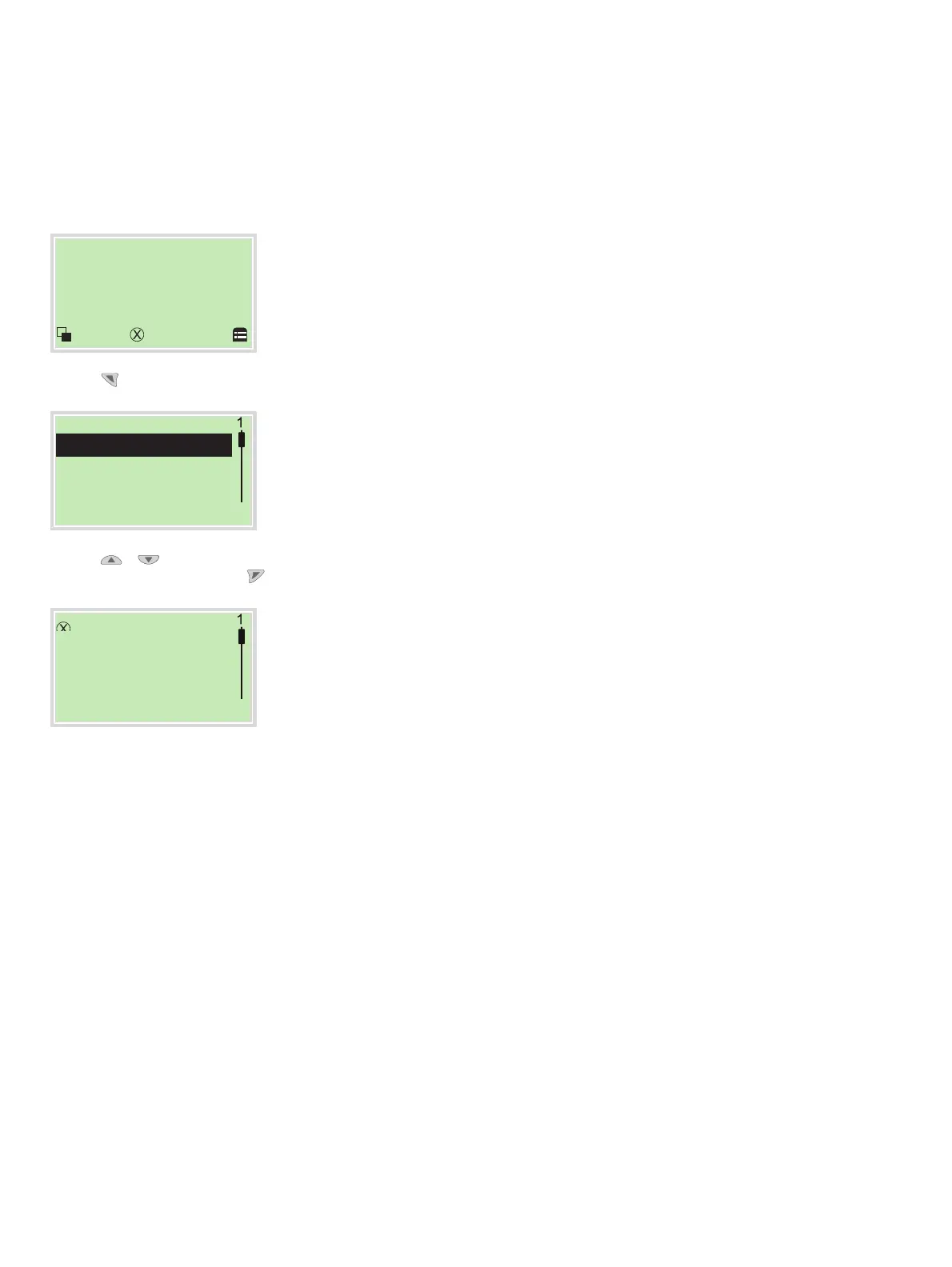
1. Use
to switch to the information level (Operator Menu).
O
erator Menu
Diagnosis
Back Select
2. Use
/ to select the submenu ‘Diagnosis’.
3. Confirm the selection with
.
Electronics
- F123.321 -
Brief description
Information
Back Exit
The
error message is shown on the display according to priority.
The first line shows the area in which the error has occurred.
The second line shows the unique error number. It is made up of
the priority (Fxxx) and the error position (.xxx)
The next lines show a brief description of the error and
information on how to remedy it.
You absolutely need to scroll the display further to read the error
message in more detail.
Note
For a detailed description of the error messages and
information on troubleshooting, see the following pages.
C
hange from two to one colum n



 To Next Page