7.3 NAVIGATION ON THE CONTROL PANEL
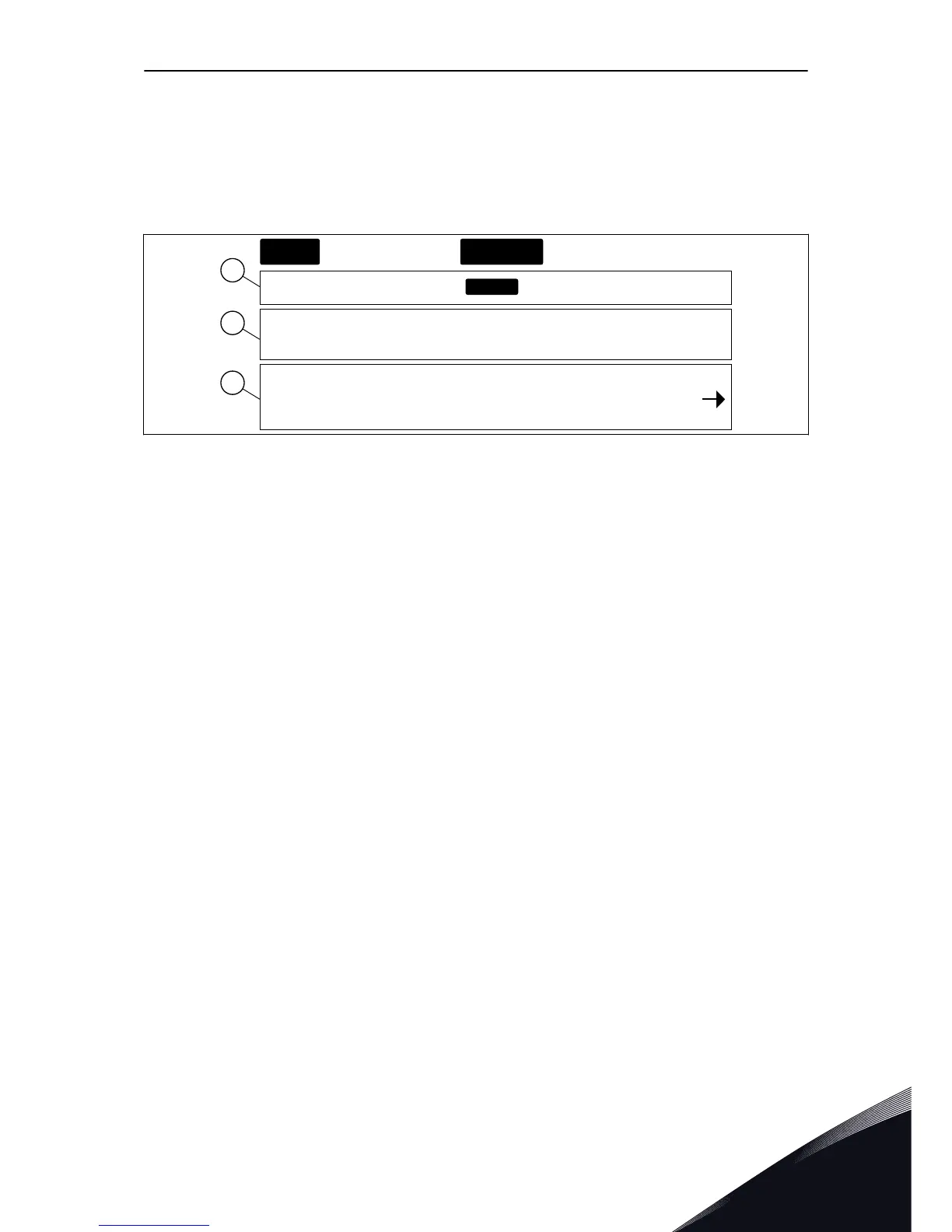
The data of the AC drive is in menus and submenus. To move between the menus, use the
Browser buttons Up and Down in the keypad. To go into a group or an item, push the Menu
button Right. To go back to the level where you were before, push the Menu button Left. On
the display, you see your current location in the menu, for example S6.3.2. You also see the
name of the group or item in your current location.
Fig. 30: The navigation items on the control panel
A. The location on the menu
B. The description (name of the page)
C. The number of items that are available
or the item value.
CONTROL PANEL VACON · 79
24-HOUR SUPPORT +358 (0)201 212 575 · EMAIL: VACON@VACON.COM
7


 To Next Page