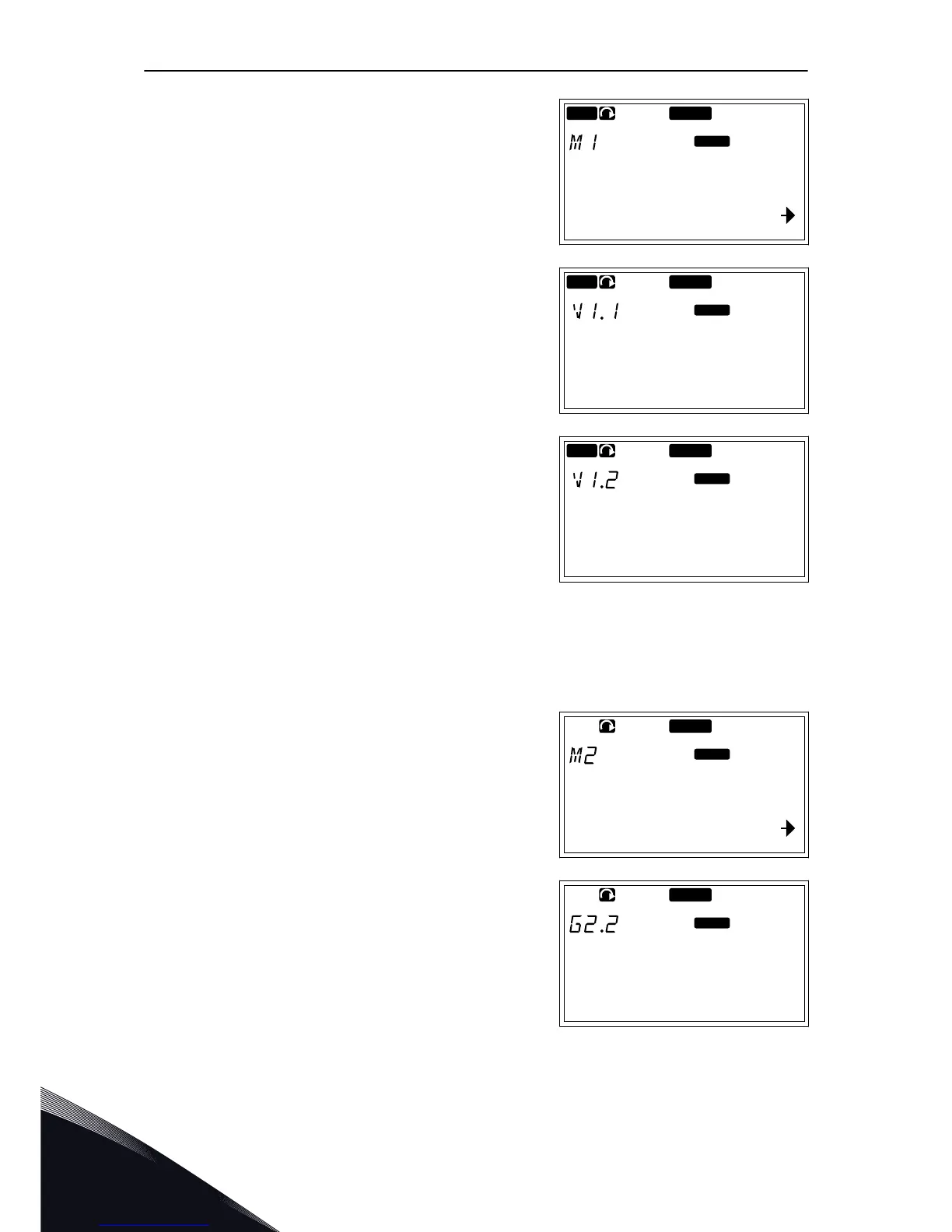
1 To find the Monitoring menu, scroll down in the
Main menu until the location indication M1 shows
on the first line of the display.
READY
RUN
Monitor
V1
V14
Keypad
2 To go to the Monitoring menu from the Main menu,
push the Menu button Right.
READY
RUN
Output frequency
13.95 Hz
Keypad
3 To scroll through the menu, push the Browser
buttons Up and Down.
READY
RUN
FreqReference
13.95 Hz
Keypad
7.5 USING THE PARAMETER MENU (M2)
FINDING THE PARAMETER
1 To find the Parameter menu, scroll down in the
Main menu until the location indication M2 shows
on the first line of the display.
READY
Parameters
G1
G8
Keypad
2 Push the Menu button Right to move into the
Parameter Group Menu (G#).
READY
Keypad
Input signals
G1
G8
VACON · 82 CONTROL PANEL
7
TEL. +358 (0)201 2121 · FAX +358 (0)201 212 205


 To Next Page