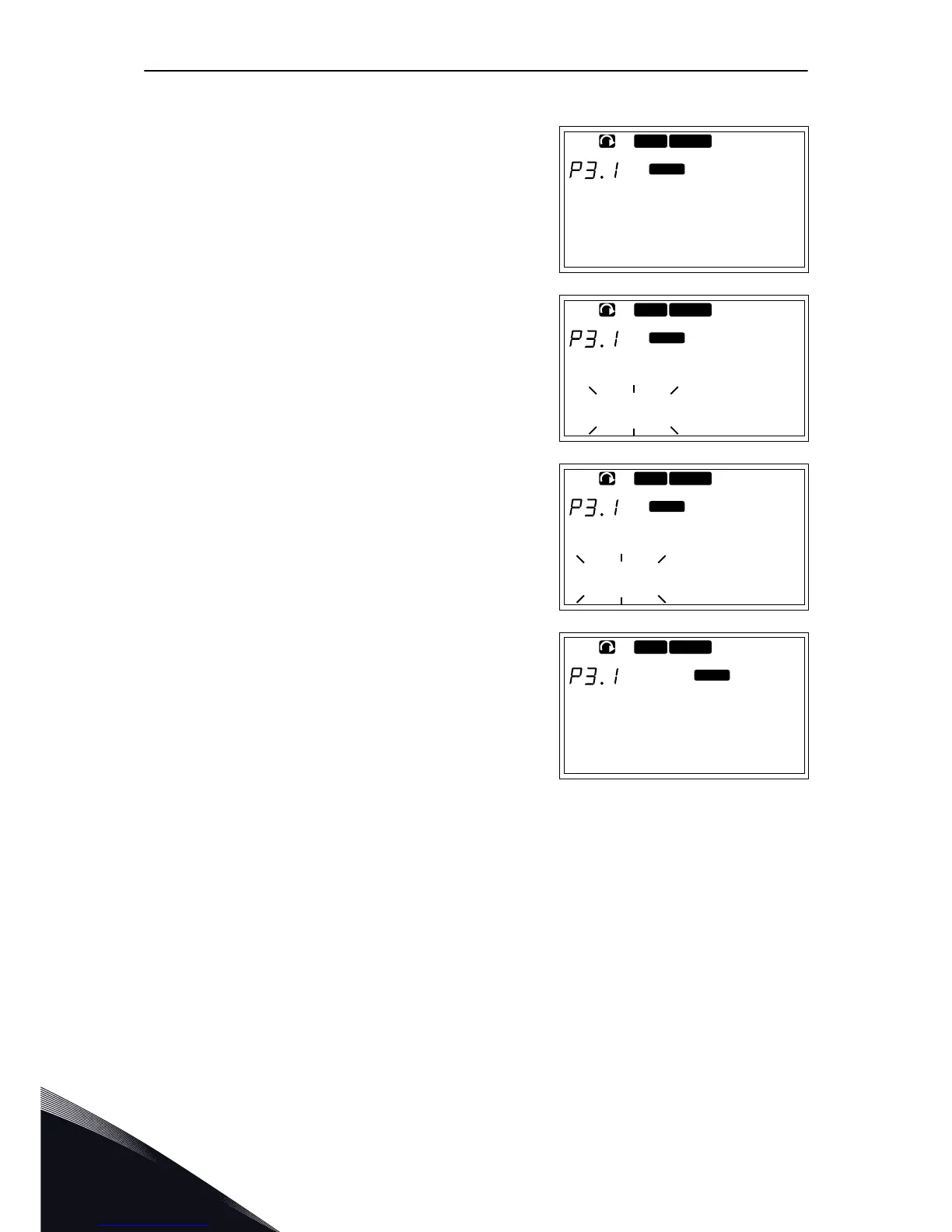
CHANGING THE CONTROL PLACE
1 In the Keypad control menu (M3), find the Control
Place with Menu buttons Up and Down.
7.6.2 THE KEYPAD REFERENCE SUBMENU (P3.2)
The keypad reference submenu (P3.2) shows the frequency reference. In this submenu you
can also edit the frequency reference. The value changes on the control panel. To make the
motor speed to agree with the value on the control panel, select the keypad as the control
place.
EDITING THE FREQUENCY REFERENCE
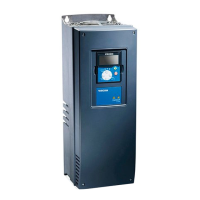
1 In the Keypad control menu (M3), find the Keypad
reference with Menu buttons Up and Down.
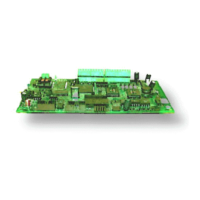
2 To go to the edit mode, push the Menu button Right.
The frequency reference value starts to blink.
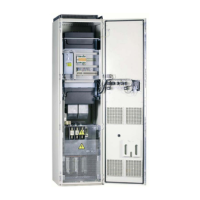
3 Set the new value with the Browser buttons.
VACON · 86 CONTROL PANEL
7
TEL. +358 (0)201 2121 · FAX +358 (0)201 212 205


 To Next Page