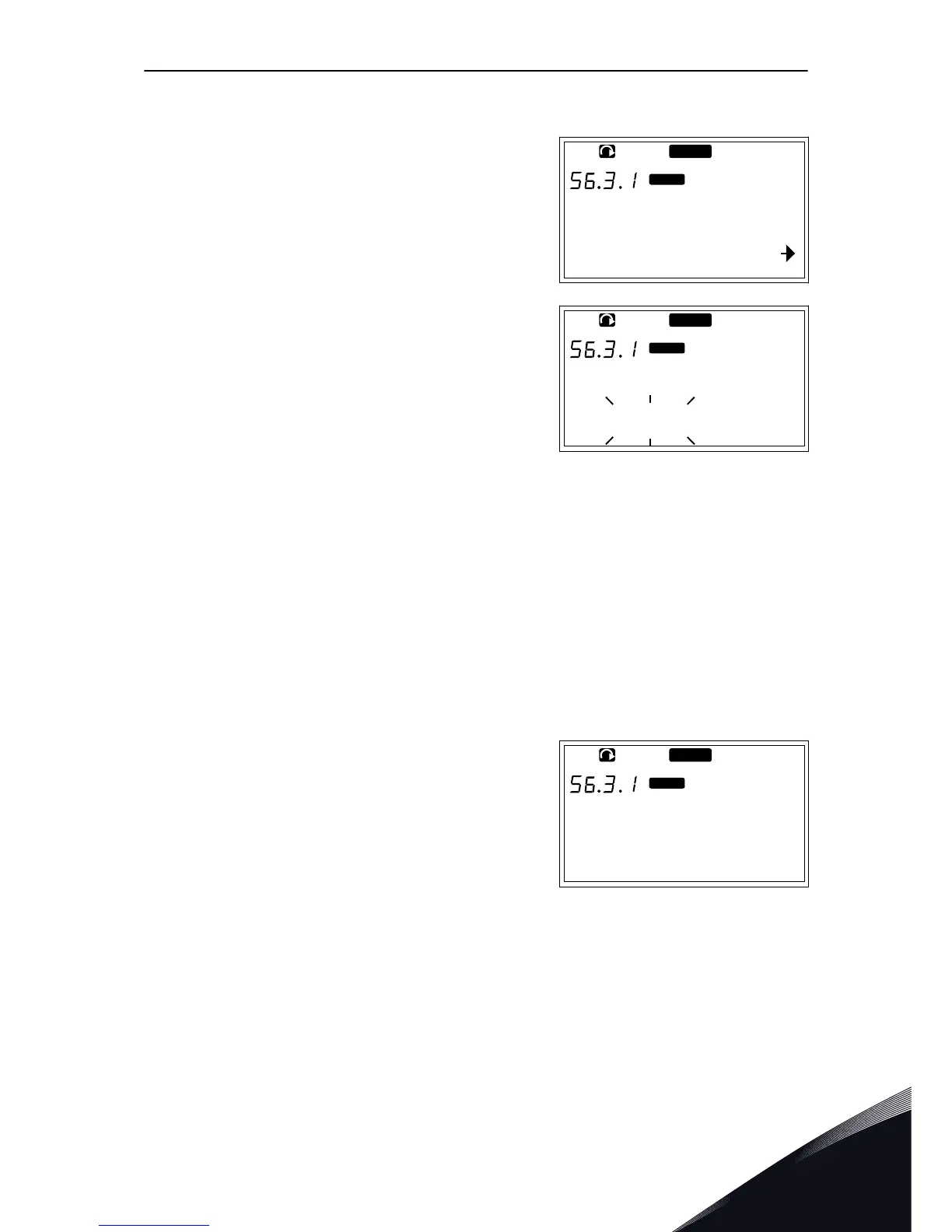
1 In the Copy parameters (S6.3) subpage, find the
Parameter sets with the Browser buttons.
2 Push the Menu button Right.
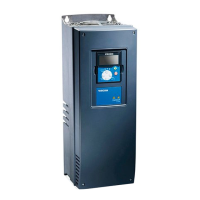
3 To go to the edit mode, push the Menu button Right.
The text LoadFactDef starts to blink.
4 You have 5 options to select from:
•
Select LoadFactDef to download again the
factory default values.
•
Select Store set 1 to save actual values of all
parameters as set 1.
•
Select Load set 1 to download the values in set
1 as the actual values.
•
Select Store set 2 to save actual values of all
parameters as set 2.
•
Select Load set 2 to download the values in set
2 as the actual values.
Select the function with the Browser buttons.
5 To accept the selection, push the Enter button.


 To Next Page