SECTION
5
Force 2 User’s Guide 5-1
5Operating Room Troubleshooting
This section describes operating room troubleshooting.
REM Alarm (two tones)
Conventional (single-section) Patient Return Electrode
1. Inspect the plug, cord, and patient return electrode for excessive wear
or visible damage. Replace if necessary.
2. If a REM alarm persists, use a backup generator.
REM (dual-section) Patient Return Electrode
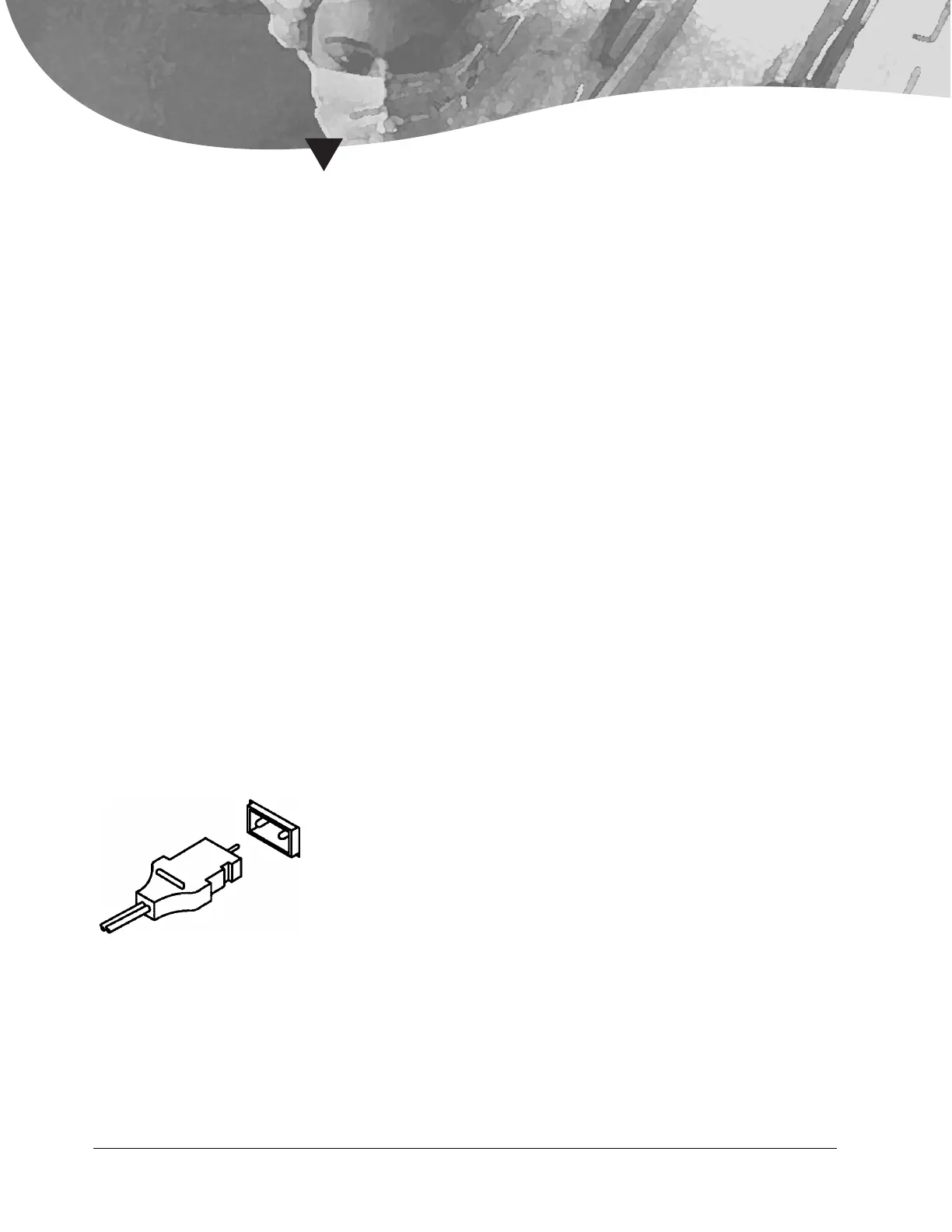
1. Inspect the patient return electrode plug.
a. Leave the generator in the ready mode.
b. Unplug the patient return electrode from the Patient receptacle of
the generator.
c. Inspect the plug pin to ensure it is not bent or missing.
d. Carefully reinsert the plug into the Patient receptacle.
e. Ensure that the pin goes into the hole and that the plug fully
inserts.
f. If the alarm condition is not corrected, proceed to step 2.











 To Next Page