46
Step 3
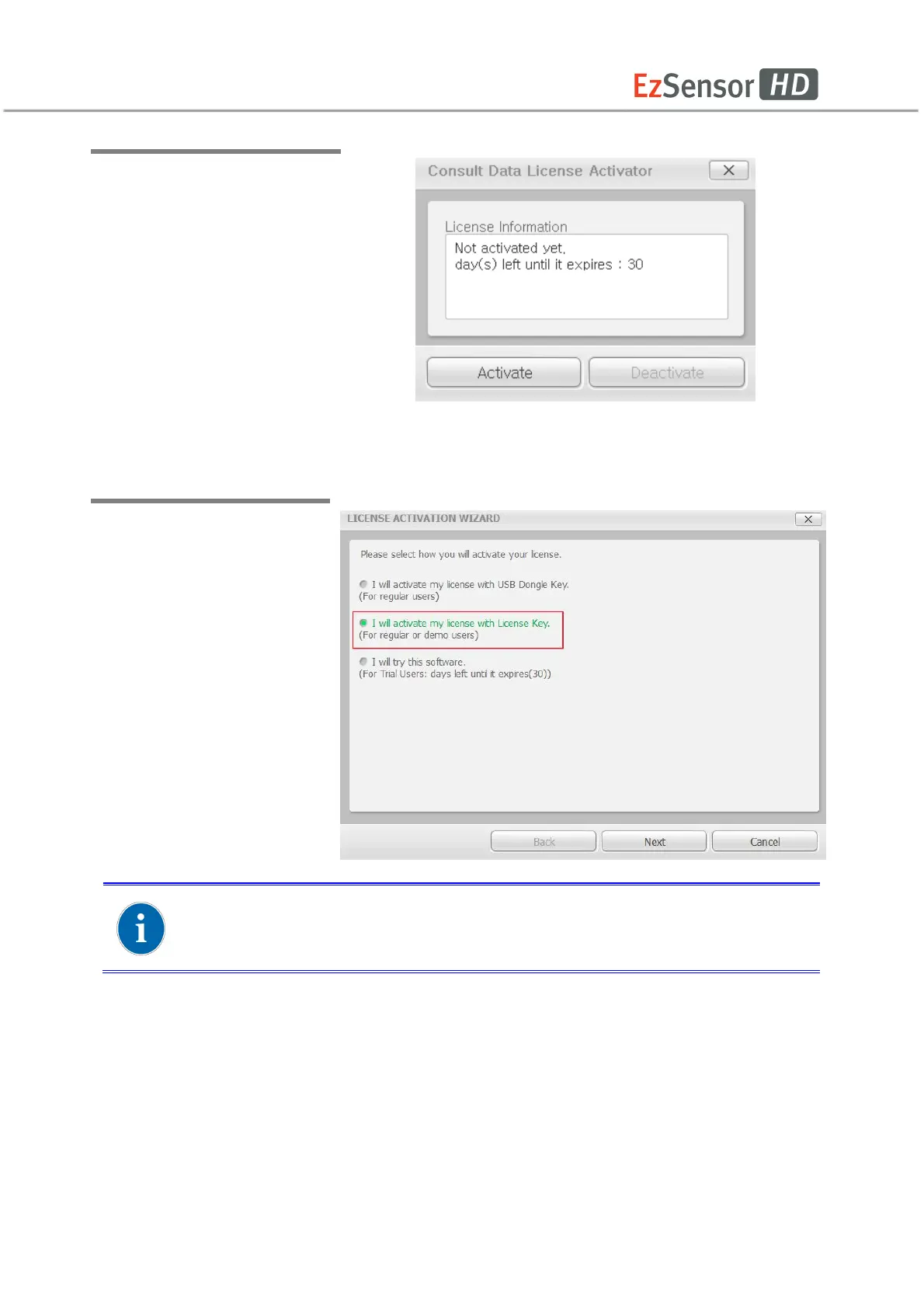
After checking the license
information shown at the
Consult Data License Activator
window, Click the [Activate]
button.
Step 4
Select the second option
from the VTLicense
Activation Wizard window.
For activating license using the license key, an internet connection must
be available with the PC.














 To Next Page