4. Installing the Equipment: Base Stand (Optional)
vatech A9 (Model: PHT-30CSS) Installation Manual 49
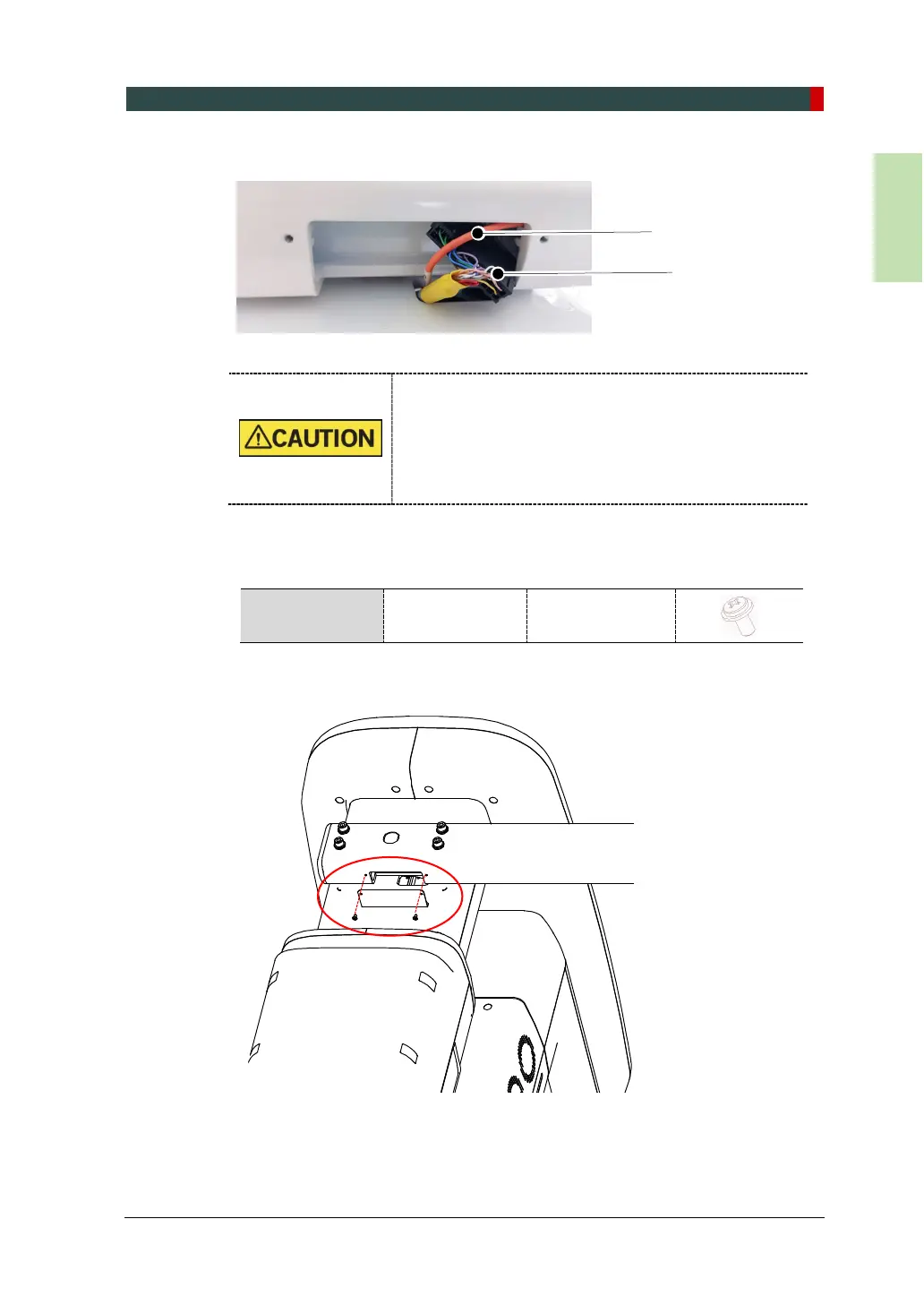
5. Connect the Fiber Optic Cable and the Cable Harness.
When managing the fiber optic cable,
DO NOT bend, pull, or crush it.
Ensure to remove the fiber optic cable before
connecting it.
DO NOT touch the cable’s tip.
Insert the fiber optic cable until you hear a ‘click’
6. Assemble the Cable Cover using two bolts provided.
Parts and
Accessory
Washer Head
Screw
M3 x 6 - 2 pcs
(Part No. 28)














 To Next Page