8. Acquiring CT Images
107
I
PaX-i3D Smart
English
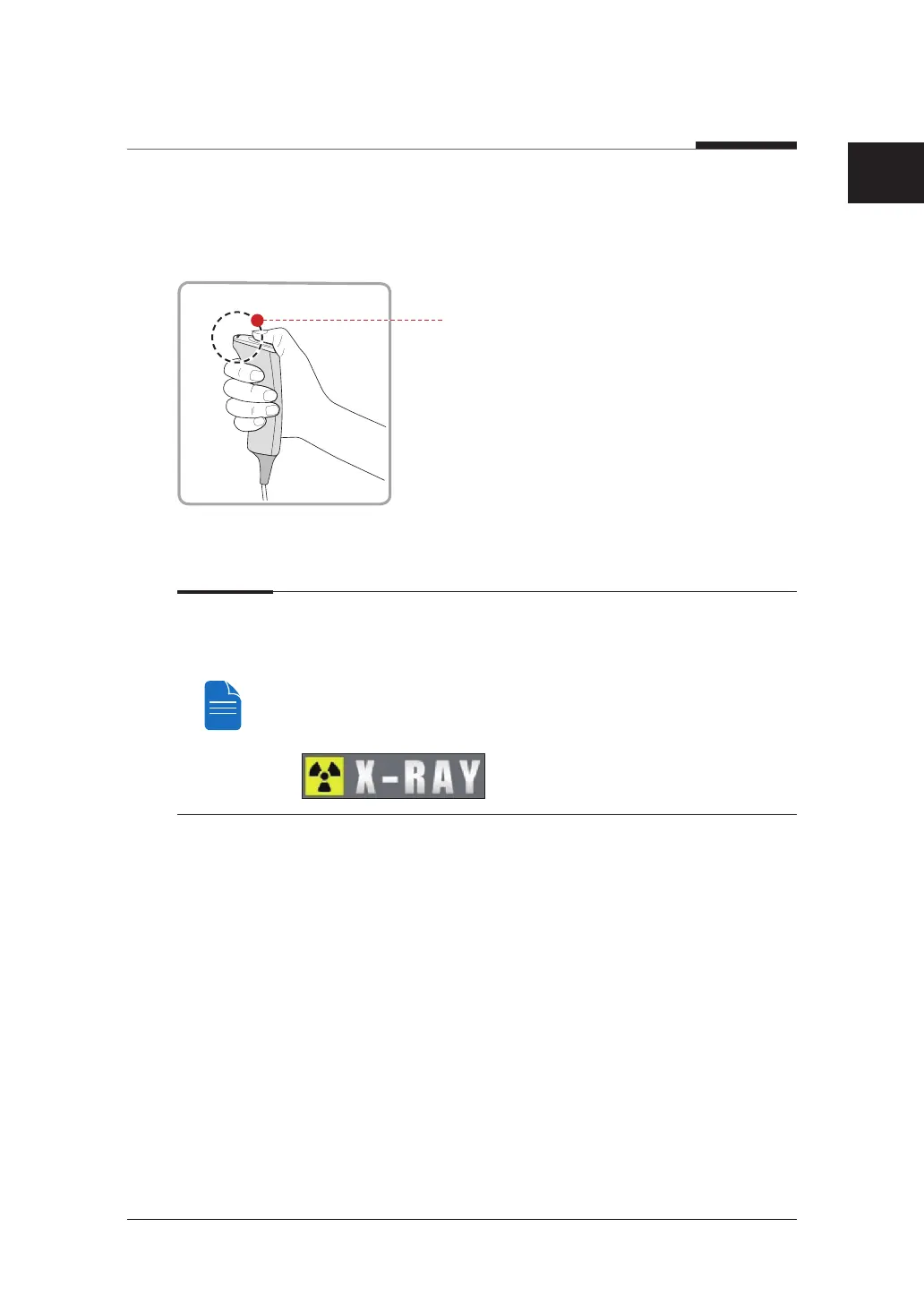
3. Begin acquisition by pressing the exposure switch.
Continue to press the exposure switch until the image has been acquired.
Orange: X-ray On
4. Release the exposure switch when “Image capturing is completed” message
appears on the screen.
During x-ray exposure, the status appears as follows.
● The exposure switch LED light is orange.
● The exposure switch LED light on top of the equipment is orange.
● An alert will sound to indicate that x-ray emission is currently underway.
● In the console software, the x-ray On in yellow changes.












 To Next Page