6. Acquiring PANO images
62
I
PaX-i3D Smart
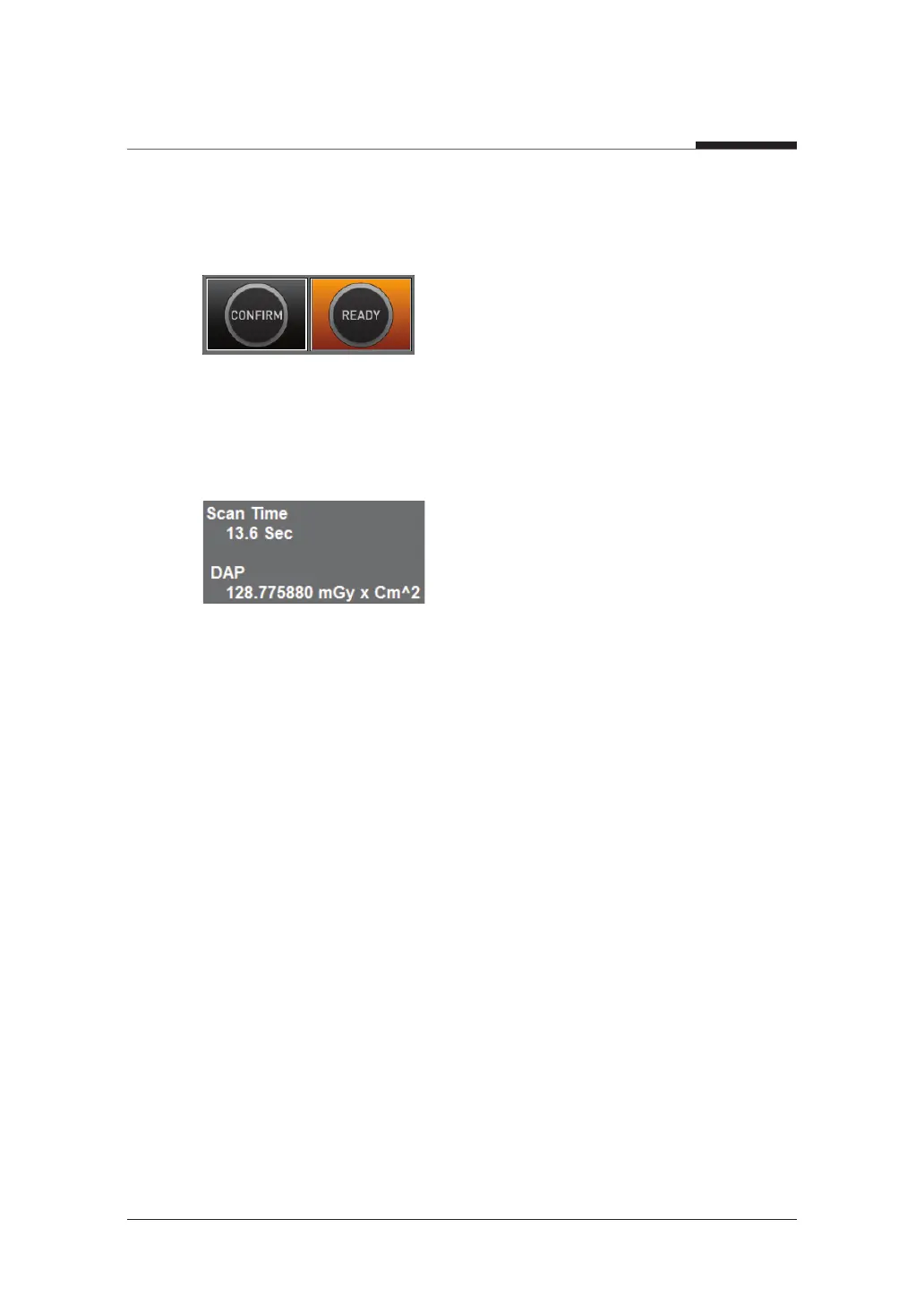
When you click CONFIRM button:
● The READY button will begin blinking to show that it has been activated.
● The Rotating unit will move to its initial scanning position.
● Three laser beams will be activated to make patient positioning easier.
● The Scan Time and DAP values will be shown on the Imaging Status Window.
10. Guide the patient to the equipment.












 To Next Page