3. Imaging System Overview
27
I
PaX-i3D Smart
English
3.3.2
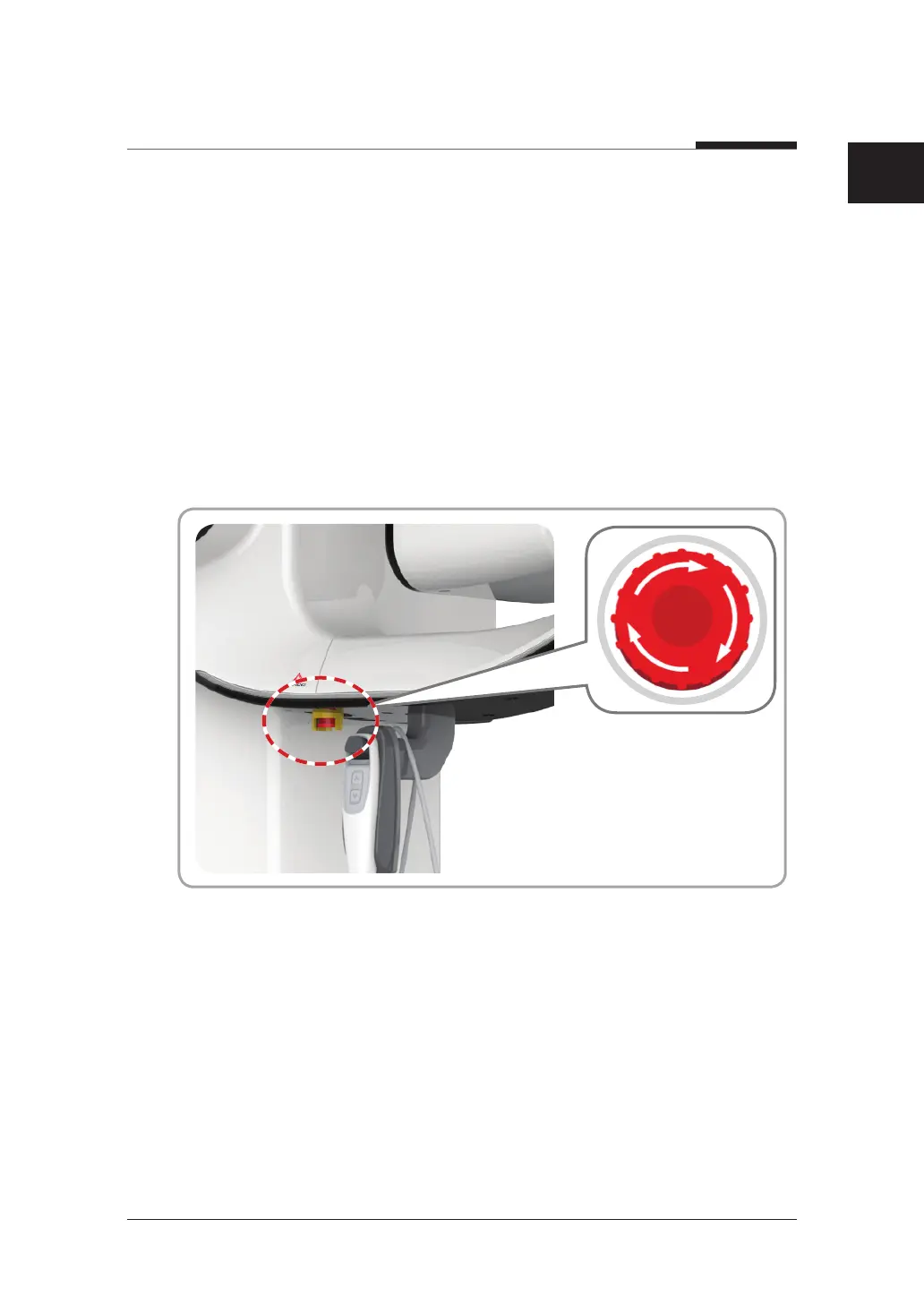
Emergency Stop Switch
During operation, the following emergency situations may occur:
● X-ray emission continues after the exposure switch has been released
● Injury to the patient or damage to the equipment
● Other emergency situations
If a problem occurs during image acquisition, press the red Emergency Stop Switch
to immediately stop the moving parts and cut off all power to the equipment’s electrical
components. To reset the Emergency Stop Switch, turn it clockwise until it pops up.












 To Next Page