4. Imaging Software Overview
39
I
PaX-i3D Smart
English
No. Function Description
15 CONFIRM
After confirming all settings required for scanning,
press CONFIRM to apply the settings.
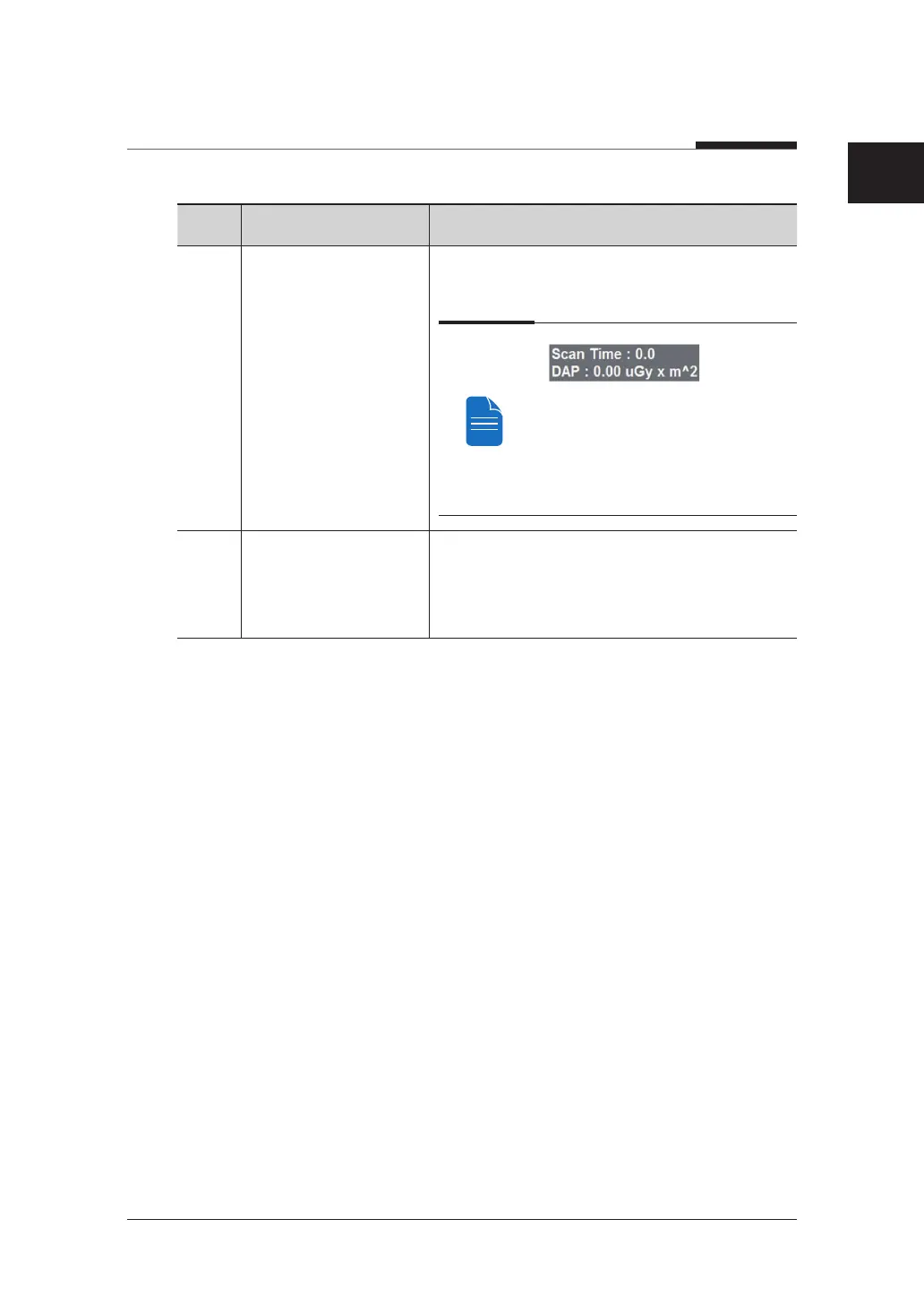
When you click CONFIRM, the scan
time and estimated DAP (Dose Area
Product) value will be shown on the
main display for the exposure you are
going to take.
16 READY
This button is used when all aspects of
preparation have done for image acquisition
(including parameter settings and patient
positioning)












 To Next Page