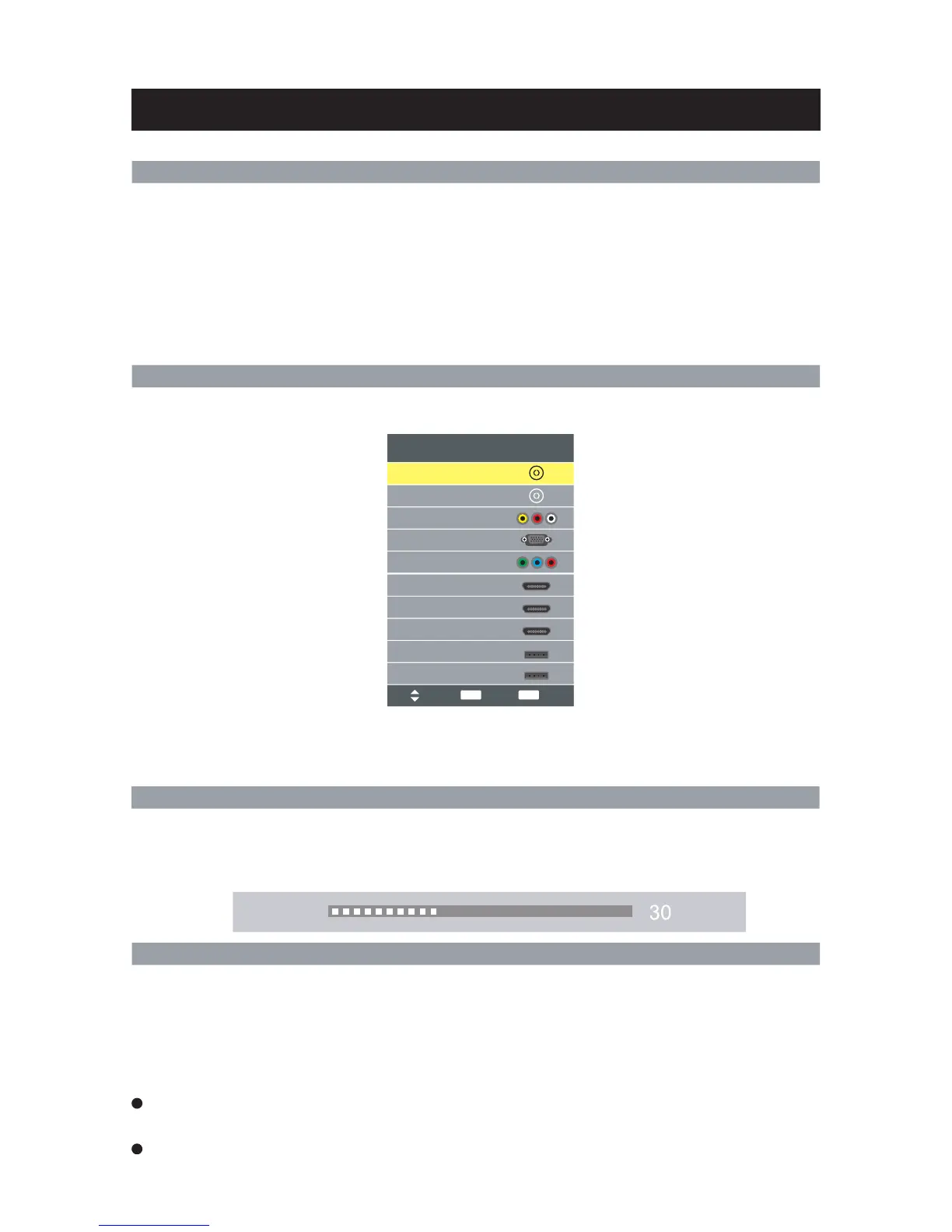
Select Viewing Source
1. Connect the TV unit to the wall outlet using power cord.
2. When the power indicator is in red, the TV is in standby mode. Now press the “POWER” button on
remote control or “POWER” button on side panel to turn on the TV. The TV work normally when
the power indicator is in blue.
button on side panel. Now the indicator will be in red.
3. Switch the TV to standby mode, just press “POWER” button on the remote control or the “POWER”
4. If unused for a long time in standby mode, please disconnect the power cord from the wall outlet.
Note: The TV set will display No signal while there is no signal input. " "
Basic Operation
Power On/Off
Adjusting Volume
The volume can be adjusted continuously by pressing VOL+/VOL- on the remote control.
Press MUTE button on the remote control to mute the sound. You can release mute by pressing MUTE
or increase the TV’s volume.
Press the "SOURCE" button to display the sources list. Please use the ▲▼ buttons to select desired signal,
and press ENTER to confirm.
Note:
Please make sure the connection for your choice is available. If the TV cannot find any signal input,
you can try to restart the TV.
Menu Operation
If you want to adjust the display settings, please follow the instruction below
Press the "MENU" and ◀▶ buttons to browse the CHANNEL Menu, Picture Menu, Sound Menu,
Time Menu, Option Menu, Lock Menu.
Press ▲ ▼ button to select items and ENTER button to adjust it.
Press MENU button to return to the previous menu.
Press " EXIT" button to exit "MENU" mode.
When an item in MENU is displayed gray, it means that the item is not available or cannot be
adjusted.
Some items in the menus may be hidden depending on modes or signal sources used.
34
Input Source
AV
DTV
ATV
HDMI1
HDMI2
USB 1
PC
HDMI3
YPbPr
USB 2
Volume
Move
Select
ENTER
Exit
EXIT



 To Next Page