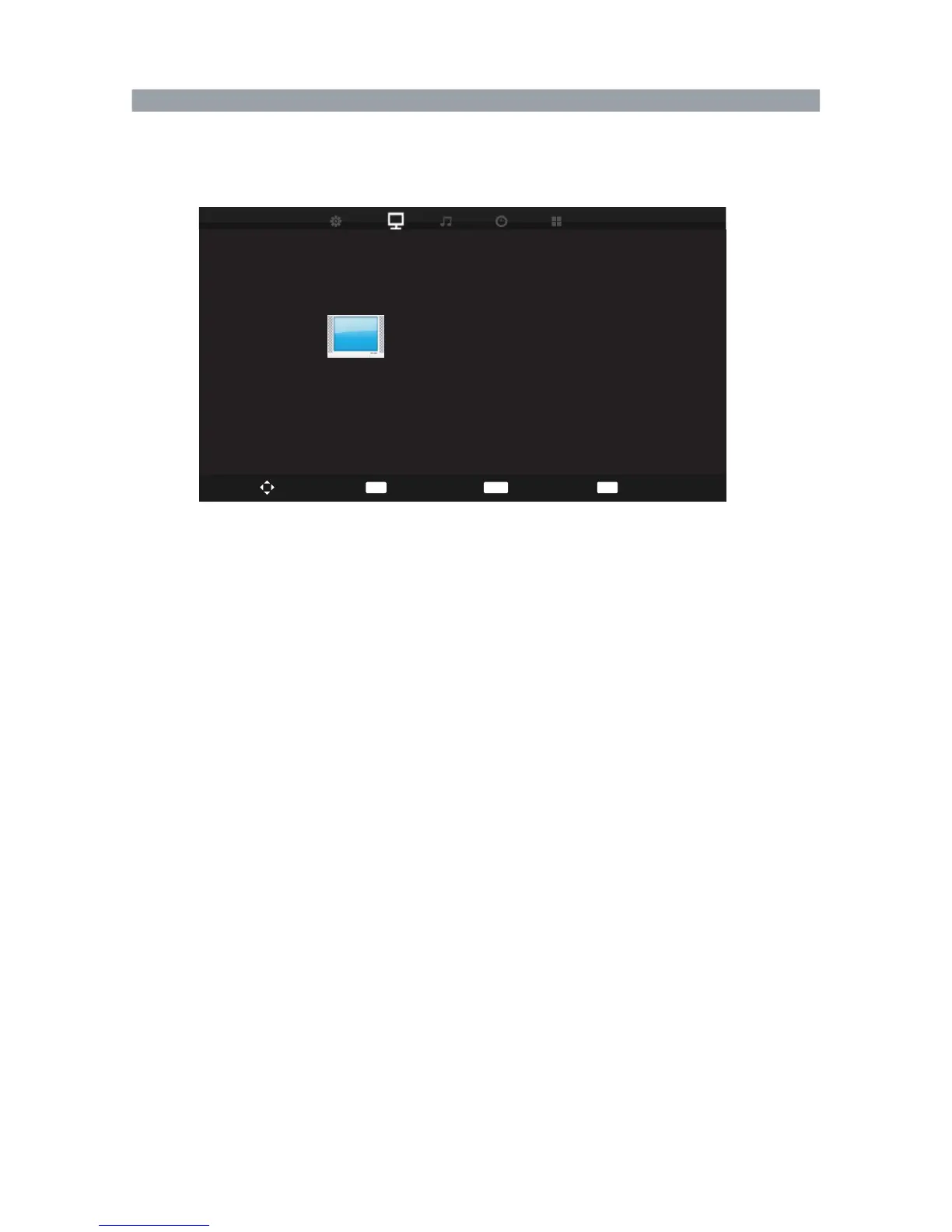
Press MENU and ◀▶ buttons to select the PICTURE menu.
Press ▲ ▼ button to select the items.
Press ENTER or ▶ button to enter the submenu.
Picture Mode
Press ◀▶ button to select the picture mode: Dynamic,Standard, Mild,Personal.
(you can adjust the contrast, brightness, color, sharpness, tint in Personal mode.)
Contrast : Press ◀▶ button to adjust the contrast of the picture.
Brightness : Press ◀▶ button to adjust the brightness of the picture.
Color : Press ◀▶ button to adjust the color saturation.
Sharpness : Press ◀▶ button to adjust the sharpness level of the picture.
Tint : Press ◀▶ button to adjust the tint of the picture.
Color Temperature
Press ◀▶ button to select:cold,Nomal,Warm .
Noise Reduction
Press ◀▶ button to select the mode: Off, Low, Middle, High, Default.
Picture Menu
37
PICTURE
Picture Mode Standard
Contrast
Brightness
Colour
Tint
Sharpness
Colour Temp Normal
Noise Reduction Middle
50
50
50
50
30
Move
ENTER
Select
EXIT
Exit
MENU
Return



 To Next Page