Time Menu
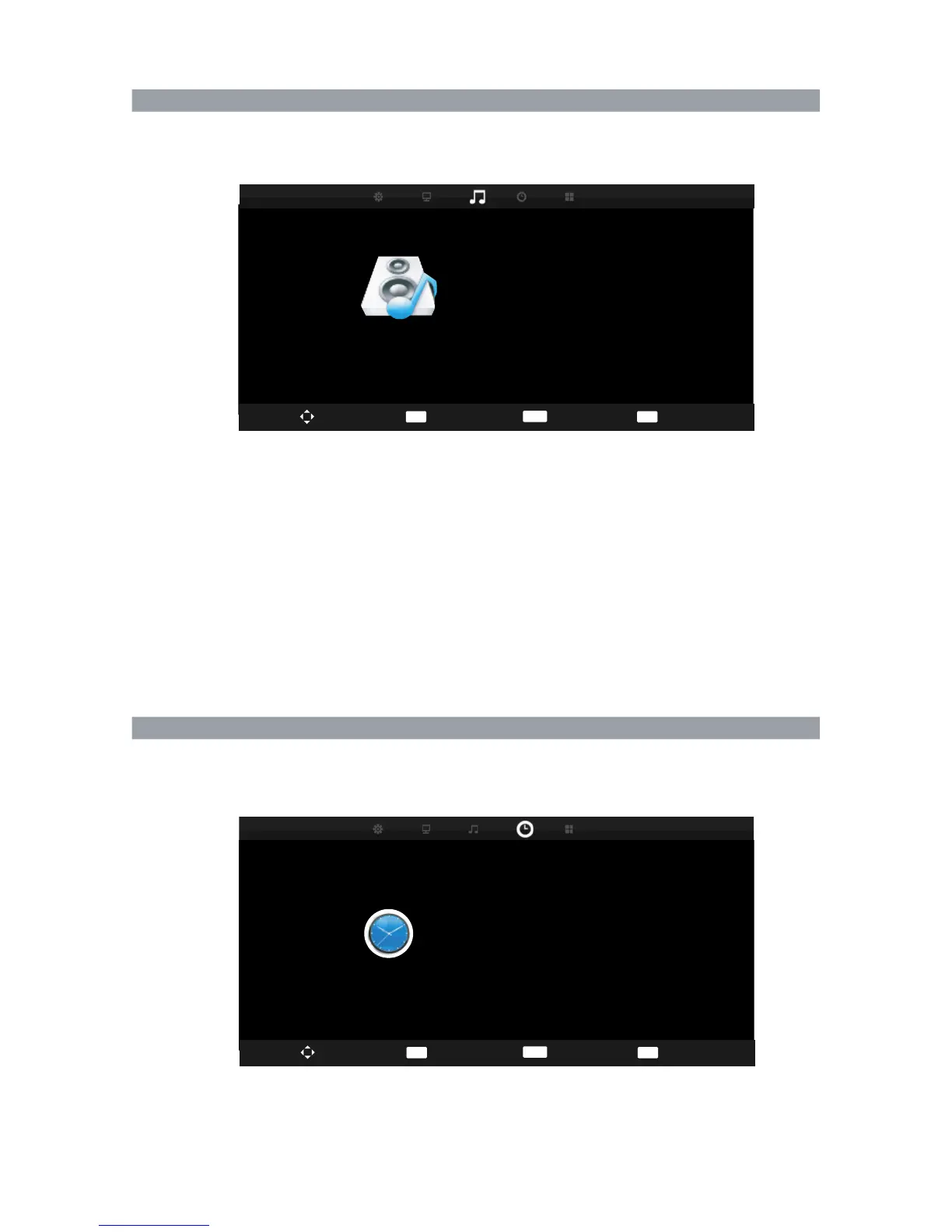
Press MENU and ◀▶ buttons to select the SOUND menu.
Press ▲ ▼ button to select the items.
Press ENTER or ▶ button to enter the submenu.
Sound Mode
Press ENTER or ▶ button to enter submenu to select sound mode: Standard, Music, Movie,
Sports, Personal.( you can adjust treble, bass in Personal mode.)
Balance
Press ◀▶ button to adjust the audio output between left and right speakers.
Auto Volume
Press ◀▶ button to turn on/off the function of auto volume.
SPDIF Output
Press ◀▶ button to select PCM, Auto.(Only available in DTV )
Press MENU and ◀▶ buttons to select the TIME menu.
Press ▲ ▼ button to select the items.
Press ENTER or ▶ button to enter the submenu.
Sound Menu
38
Treble
Press ▲▼ button to adjust the treble level of TV sound.
Bass
Press ▲▼ button to adjust the bass level of TV sound.
SOUND
Sound Mode
Treble
Bass
Balance
Auto Volume
SPDIF Mode
Standard
50
50
0
Off
PCM
Move
EXIT
Exit
MENU
Return
Move
Select
EXIT
Exit
MENU
Return
TIME
Clock
Sleep Timer
Auto Standby
Off
4H
OSD Timer
15s
20/Jul/2013 13:12
Clock: Set the TV clock.
Sleep Timer: Set the sleep timer. The TV will
automatically enter standby mode after times up. ( off 15、30、45、60、90、120、240、Min.)
ENTER
Select
ENTER



 To Next Page