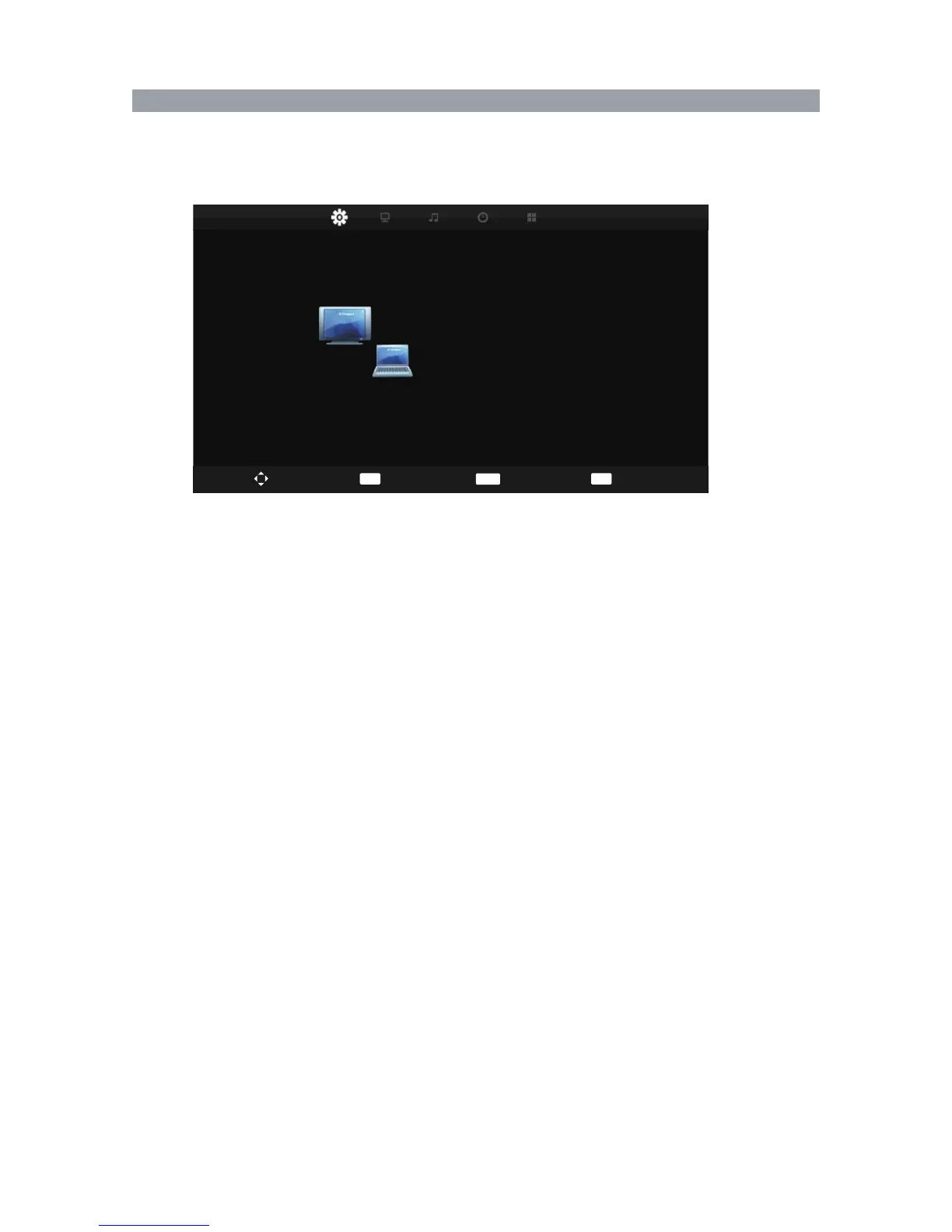
Screen Menu
40
Press MENU button to display the main menu.
Press ◄ / ► button to select SCREEN in the main menu.
Screen (only available in VGA mode).
You can adjust: Auto Adjust, H-Offset, V-Offset, Size, Phase, Position Reset.
Screen
Auto Adjust
H-Offset
V-Offset
Size
Phase
Position Reset
50
50
50
70
Move
Select
EXIT
Exit
MENU
Return
ENTER



 To Next Page