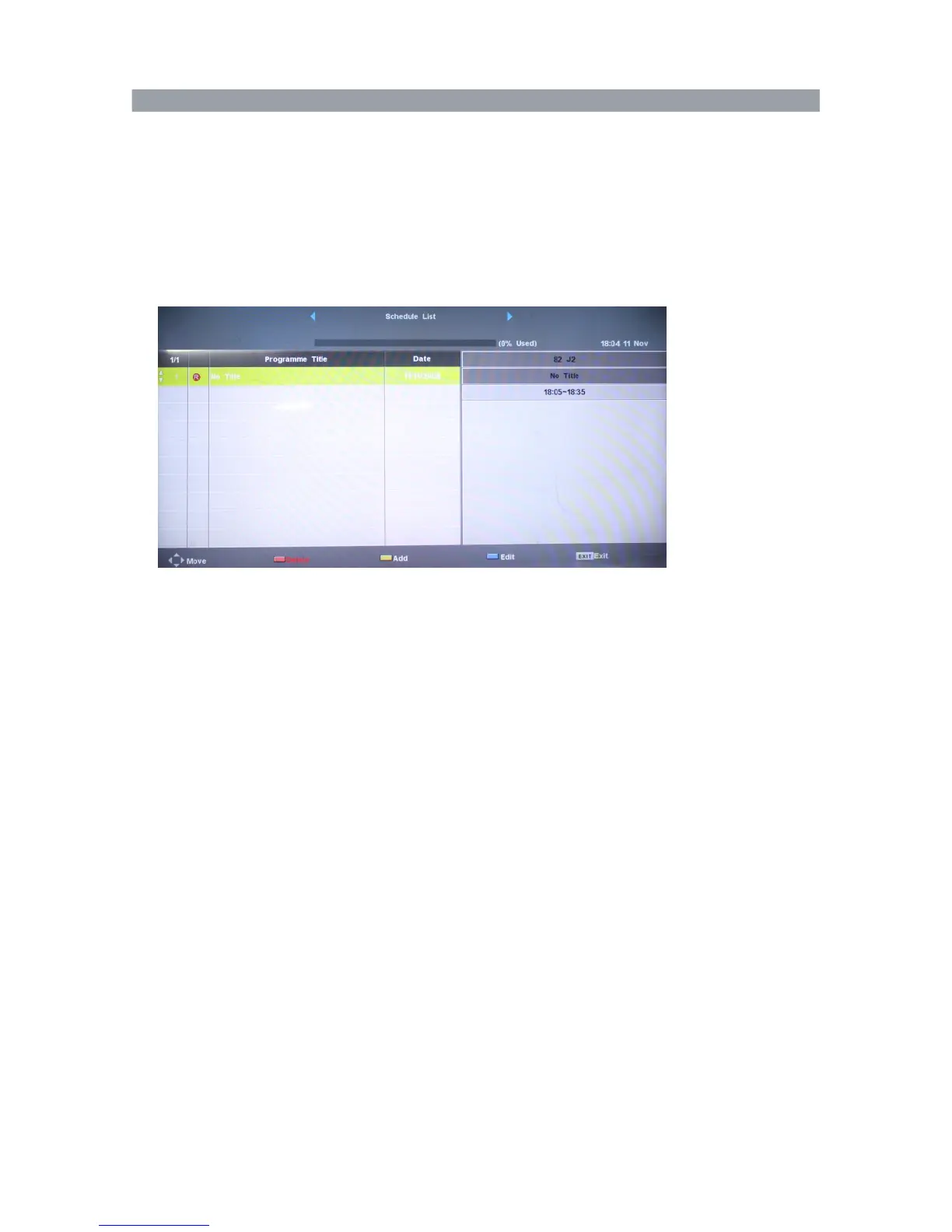
Timer Recording
In Schedule List menu, press blue button to display Schedule setup menu.
Set the Recording Timer
The TV will record the program automatically according to your settings.
TITLE: Display the name of the recording program.
Start Time: Set the start recording time.
End Time: Set the end recording time.
Mode: select the record mode.
Press ENTER button to save the setting and exit the menu, then TV
will display the schedule list.
When timer recording is set, the TV can be placed into standby. The
unit will then activate the recording when the time is reached and
then return to standby mode when the end time is reached.
Note:
1. At least 1G USB capacity should be used.
2. All contents save will be lost after USB formatting, please back up the data before formatting.
USB disk with virus contents may cause failure of recognition.
3. PVR function is only available in DTV.
4. If the USB disk contains different drive areas, users can choose to format the specific area
for PVR system running.
5. The maximum time period of consecutive recording is 6 hours.
6. USB memory should support USB2.0 high-speed specification.
7. If power is cut off accidentally while the recording is in progress, the recording data will not be
saved.
46



 To Next Page