TEXT
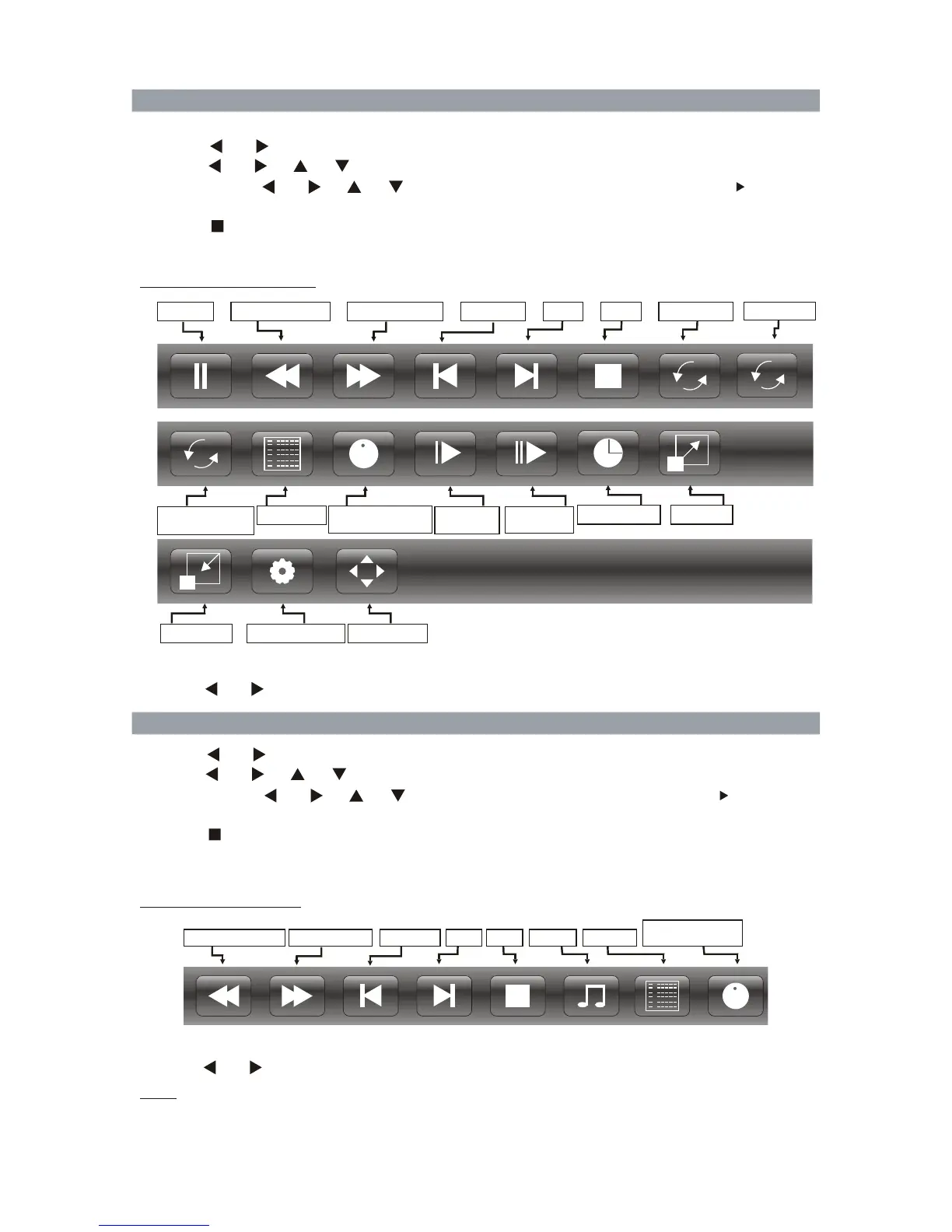
Movie Control Bar
- Press [ ENTER ] to display Movie Control Bar while playing the video.
- Press [ ] / [ ] to select the desired settings, press ENTER button to confirm.
4.Select the return icon to the previous menu.
1.Press [ ] / [ ] to select MOVIE. Press [ENTER ] to enter.
3.Press [ ] to stop movie playing and return to movie list.
2.Press [ ] / [ ] / [ ] / [ ] to select the desired folder and press [ ENTER ] to open the
playing.
folder; or press [ ] / [ ] / [ ] / [ ] to select the desired movie file and press [ ] to start
Note:
- It supports *.txt files.(English character)
- Please ensure that the text file is saved in an encoding standard. This can ensure the normal display
characters.
Text Control Bar
- Press [ ENTER ] to display Text Control Bar while reading the text.
- Press [ ] / [ ] to select the desired settings, press ENTER button to confirm.
4. Select the return icon to the previous menu.
1.Press [ ] / [ ] to select TEXT. Press [ENTER ] to enter.
3.Press [ ] to stop text playing and return to text list.
2.Press [ ] / [ ] / [ ] / [ ] to select the desired folder and press [ ENTER ] to open the
folder; or press [ ] / [ ] / [ ] / [ ] to select the desired text file and press [ ] to start
playing.
Previous Page
II
Next Page
Previous
Stop
Playlist
Information
MusicNext
Info.: Current
Pause
Fast Reverse
Fast Forward Previous
Next
Stop Repeat All
II
Playlist
Information
Step
Slow
-
Move View
Zoom Out
AB
Info.: Current
++
Zoom In
Goto Time
Forward
Forward
Aspect Ratio
MOVIE
43
Set a loop
from A to B
R
R
Random off



 To Next Page