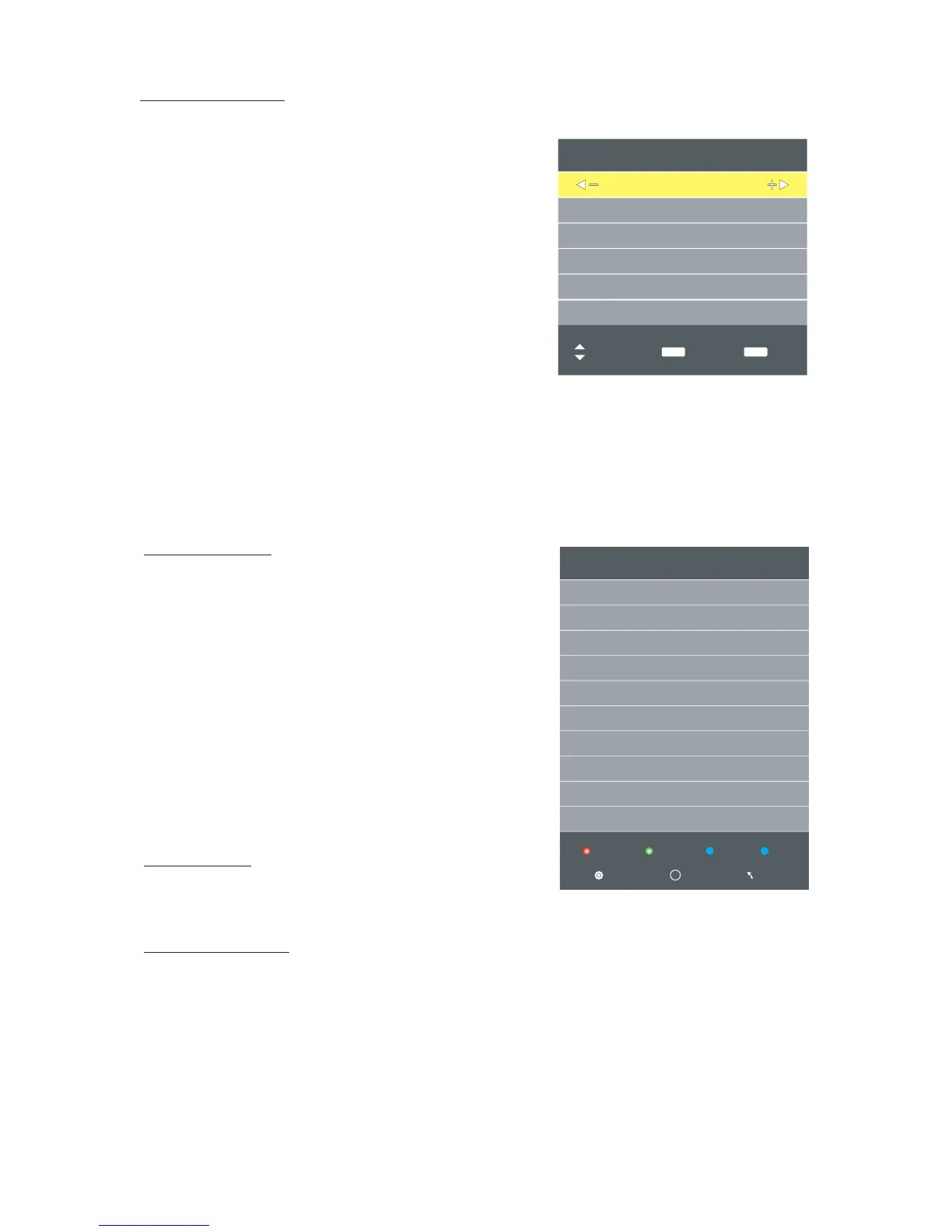
Frequency 862.00MHz
ATV Manual Tuning (only available in ATV mode)
If you find one channel is in poor signal.
you can adjust the frequency of the channel.
It might improve the quality of picture and sound.
Current CH
Set the Channel number.
Sound System
Press ◀▶ button to select Audio System:BG, I, DK, L.
Color System
Press ◀▶ button to select the color system.
Search
Press ◀▶ button to search channel.
Fine -Tune
Press ◀▶ button to adjust frequency.
Press ▲ ▼ button to select items. Press ◀▶ button to
adjust it .
Press the red button to save it .Press EXIT button to exit.
ATV Manual Tuning
Current CH 1
Sound System
Search
Fine-Tune
Programme Edit
Press ▲ ▼ button to select items.
Press red button to delete the channel.
Press green button to rename the channel.
Note: Only the ATV channel can be renamed.
Press ◀▶ to select the letter and press ▲▼ to
change the letter.
Press yellow button to move the channel.
Note: The list of programs include ATV and DTV.
The programs can be moved only among the
same kind.
Press BLUE button to skip the channel. (Skipped
channels cannot be selected with CH+/CH-,
however they can still be accessed using the
Channel Number on the remote control.)
Press FAV. LIST button to set the favorite channel.
Programme Edit
Delete
Rename Move Skip
ENTER Menu
Fav
FAV
Signal Information
Display the DTV signal information.
36
BG
Color System PAL
48.25MHz
AFC On
Schedule List
Press ▲▼ button select select list,then press enter button
to enter sub-menu.it is available in DTV Mode.
Move
Back
MENU
Exit
EXIT



 To Next Page