Functions
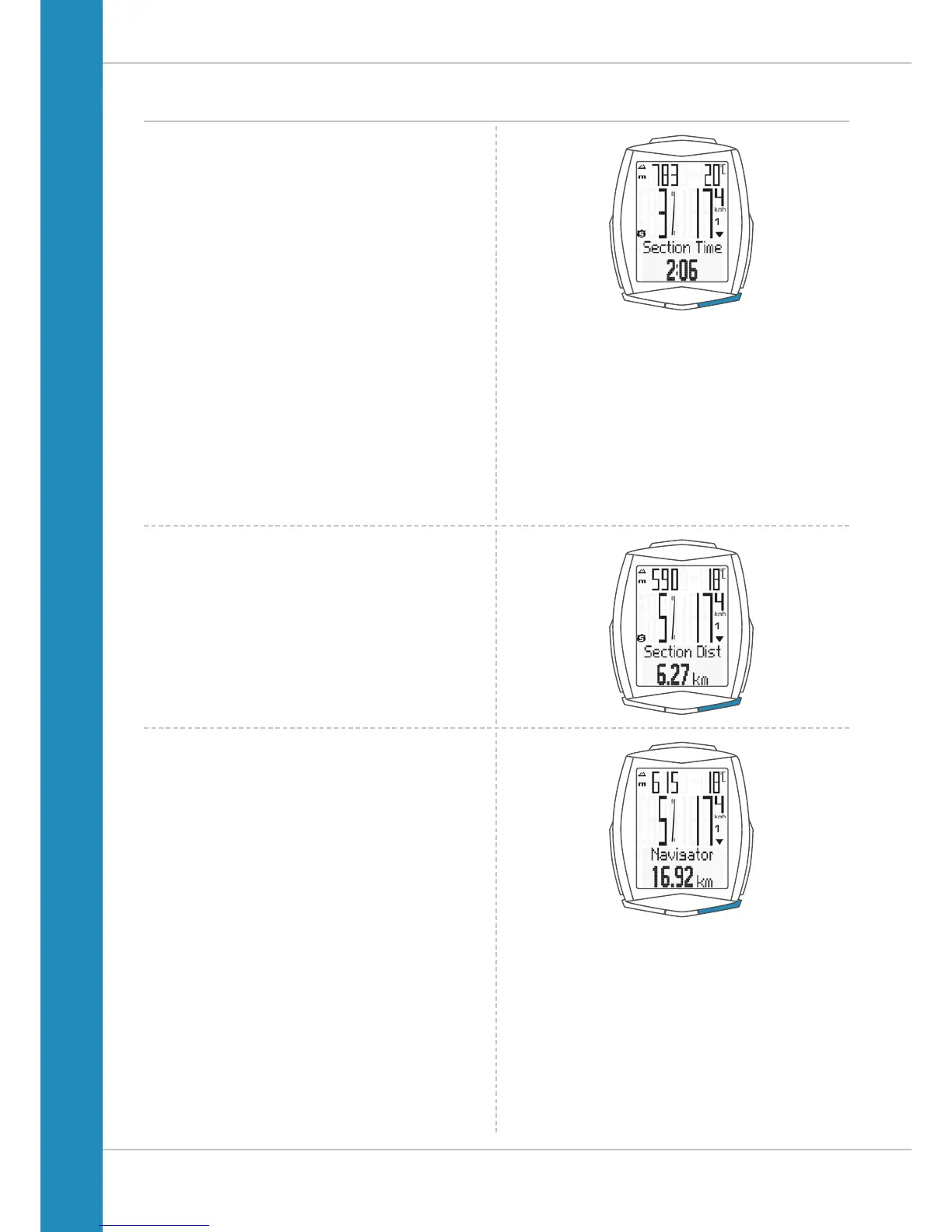
Section time
The VDO M6 has a trip section counter.
The trip section counter is like a stopwatch.
If the trip section counter is running, the section time is
recorded, as with a stopwatch. When the trip section counter
is running, the section distance is also recorded.
The trip section counter is started and stopped by pressing
the BIKE + SET buttons (simultaneously press and BRIEFLY
hold both buttons).
ATTENTION: the trip section counter stops automatically
when the speed is ZERO.
Section distance
Shows the distance travelled while the trip section counter is
activated.
Navigator
The navigator is a second, completely independent
trip distance counter.
The navigator is used to measure trip sections.
The navigator is particularly helpful when riding a route
shown in a road book (e.g. Moser Bike Guide).
The navigator can:
– be reset to ZERO as often as desired and
independently of the trip distance counter
– be preset to a specific value
– count forwards or backwards from this value
Information on how to operate the navigator can be found on
page 64.












 To Next Page