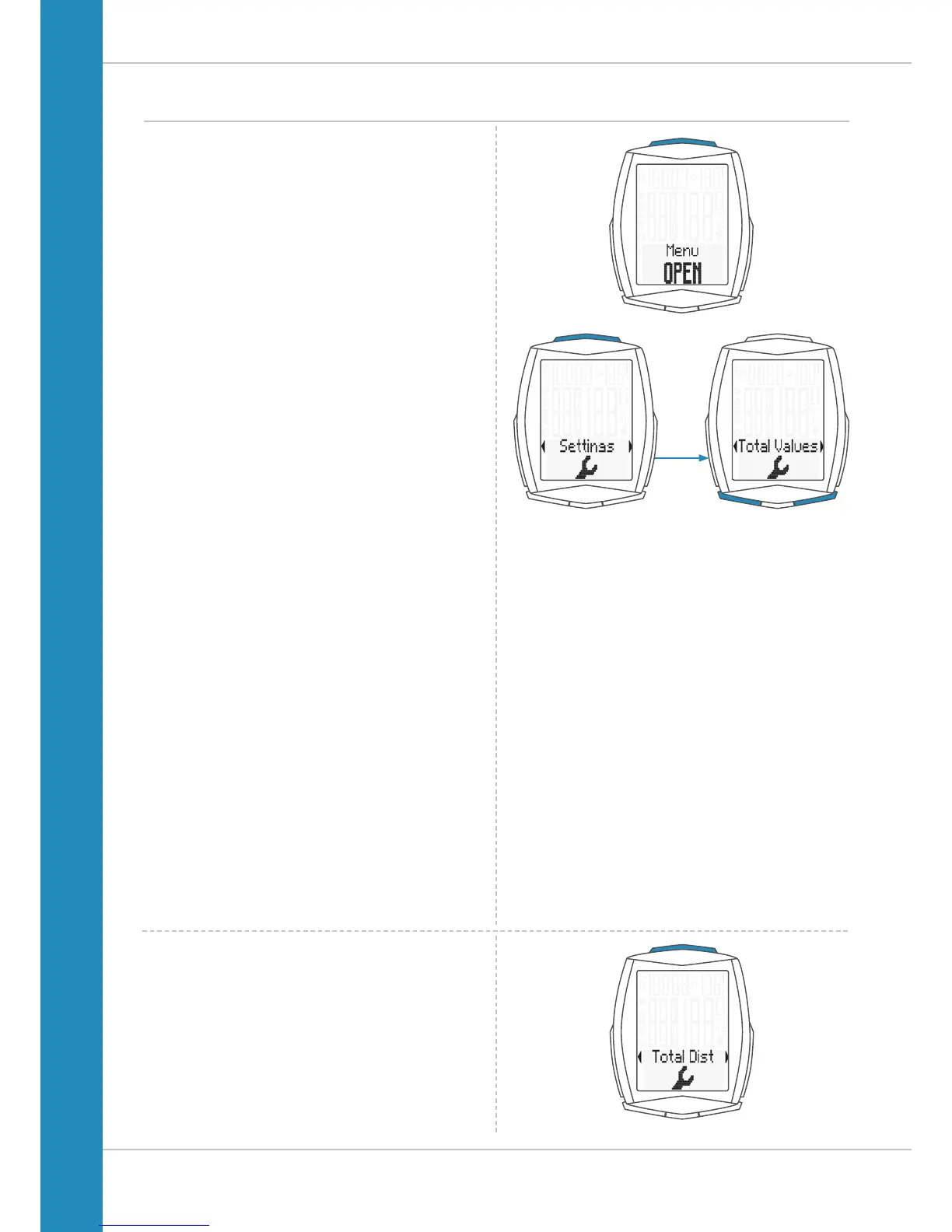
Settings – total values
On the M6, the total values can be set at any time, e.g. at the
start of a new season.
ATTENTION: the M6 has a memory for the
total values. All total values are still stored
even after replacing the battery.
The following total values can be set:
– Total distance
– Total ride time
– Altitude gain
– Altitude loss
– Maximum altitude reached
– Distance uphill
– Distance downhill
– Total calorie burn
For each total value, the values can be separately set
for bike 1 and bike 2.
How to set the total values:
Press and hold the SET button until the settings menu
opens.
Press the BIKE button to move from Memory to Settings.
Press the SET button to open the settings.
“Language” appears on the display.
Press the BIKE or TPC button to scroll to the settings
for the Total Values.
Press the SET button to open the setting for the
total values.
Press the BIKE or TPC button to scroll in the
total values settings to the desired settings.












 To Next Page