Display
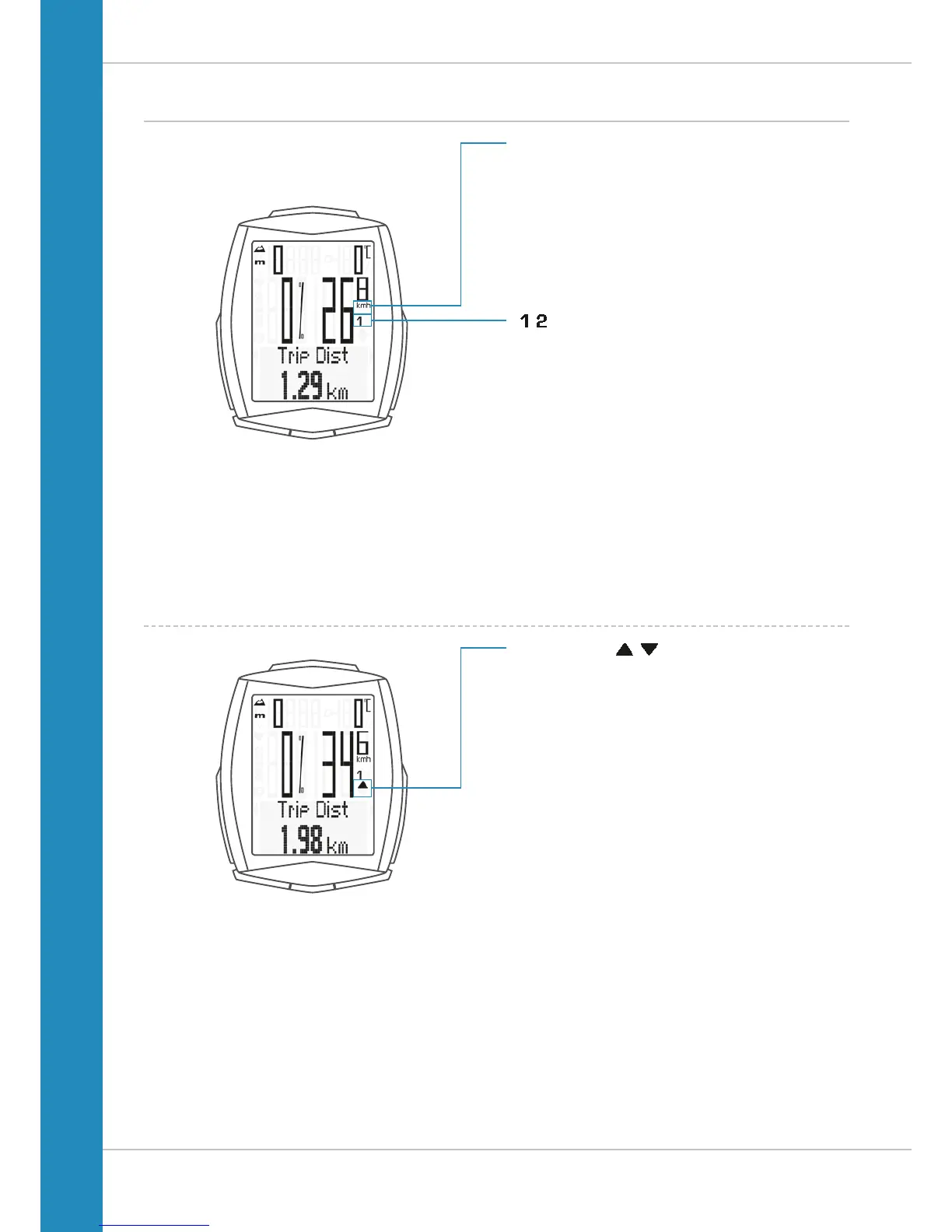
On the right of the display, under the speed indicator,
the unit kmh or mph is displayed.
The active bike is also shown in this area.
“ ”
The VDO M6 can be used on two bikes. The indicator icons
1 and 2 show you whether your VDO M6 is currently using the
settings for bike 1 or bike 2.
A description of how to switch between bike 1 and bike 2 can
be found on page
69.
“UP/DOWN arrow”
The arrows indicate whether you are currently travelling
quicker or slower than your current average speed.












 To Next Page