Activating the cadence option
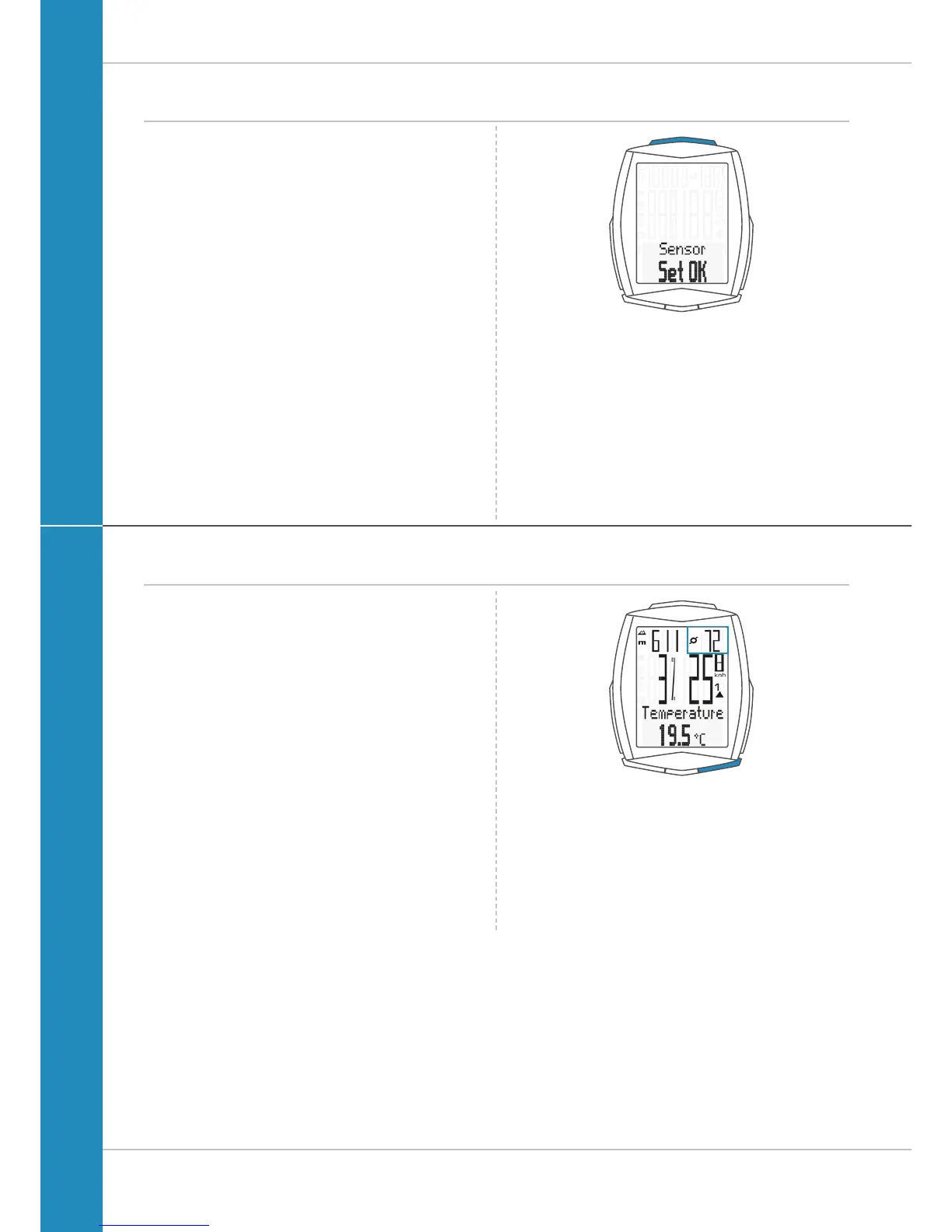
The VDO M6 confirms the setting by displaying the text
SET OK.
If you want to configure further settings,
press the BIKE or TPC button to access these.
If you do not want to configure any further settings,
press and hold the SET button.
The settings menu closes.
The VDO M6 returns to function mode.
Display when using the cadence option
If the cadence option is activated, the current cadence is
shown at the top right of the display.
The temperature indicator can now be found in the
BIKE function menu.












 To Next Page