Resetting the trip section counter to zero
To reset the counter either the section time or the
section distance must be shown on the display.
Press and hold the BIKE button.
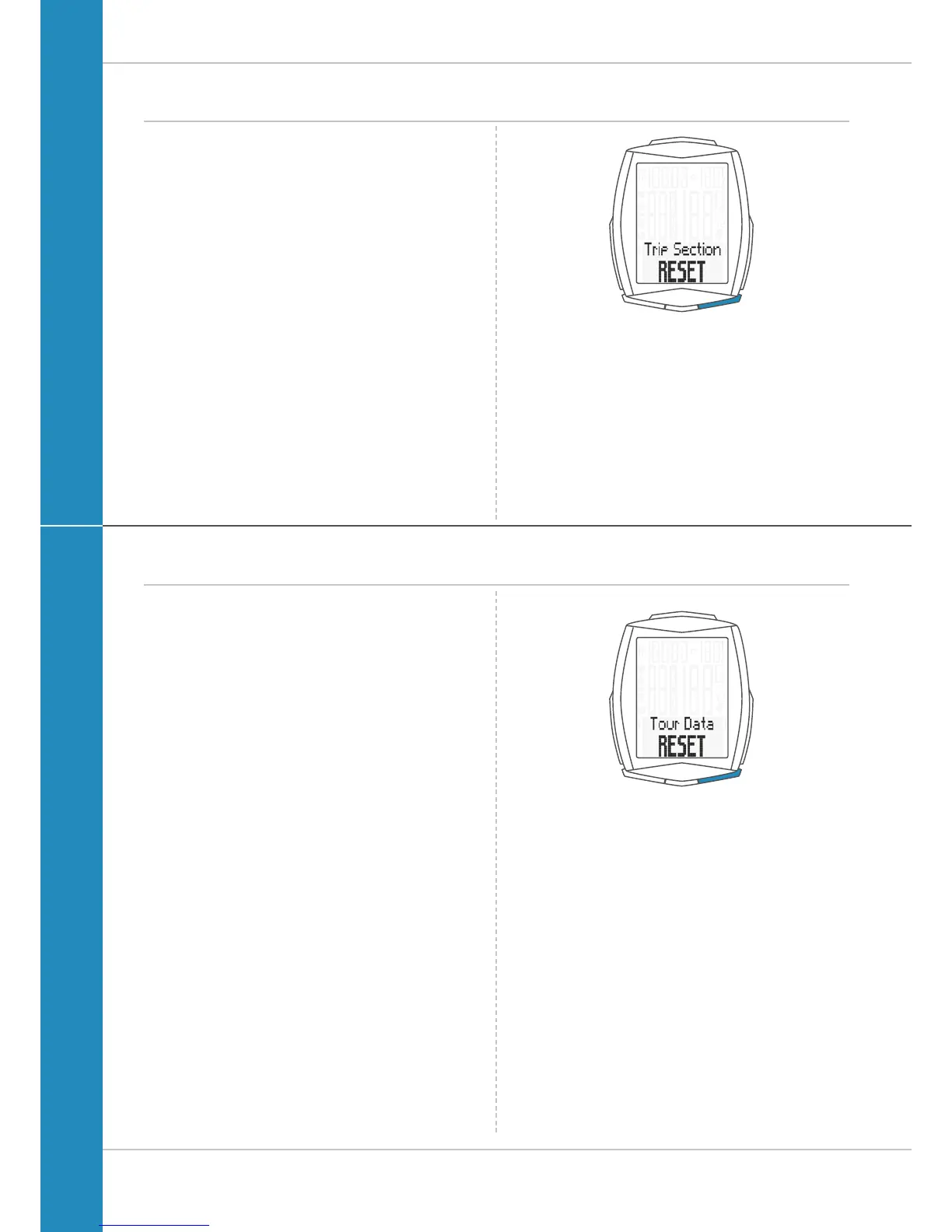
The text Trip Section RESET appears on the display.
If you continue to hold down the BIKE button,
the trip section data is now reset to zero.
The following data is reset to zero:
– Section distance
– Section ride time
If the heart rate option is activated (see page 71):
– Average heart rate
– Maximum heart rate
– Time in, over and under the set training zone
– Calories
– Heart rate graph
– Intensity graph
If the cadence option is activated (see page 76):
– Average cadence
– Maximum cadence
Resetting trip data after the trip
After each trip, you can reset the data for this trip to zero.
The VDO M6 is then ready for the next trip.
ATTENTION: your total distance (total number of
kilometres ridden), total ride time, total altitude and
total calorie burn (with an activated heart rate option)
are not reset to ZERO.
How to reset the trip data:
Press and hold the BIKE button for a few seconds.
The text Tour Data RESET appears on the display.
If you continue to hold down the BIKE button,
the trip data is now reset to zero.
The following data is reset to zero:
– Distance
– Ride time
– Average speed
– Maximum speed
– Altitude gain/loss
– Distance uphill/downhill
– Maximum altitude on the trip
– Average gradient uphill/downhill on the trip
– Maximum gradient uphill/downhill on the trip
– Elevation profile for the trip












 To Next Page