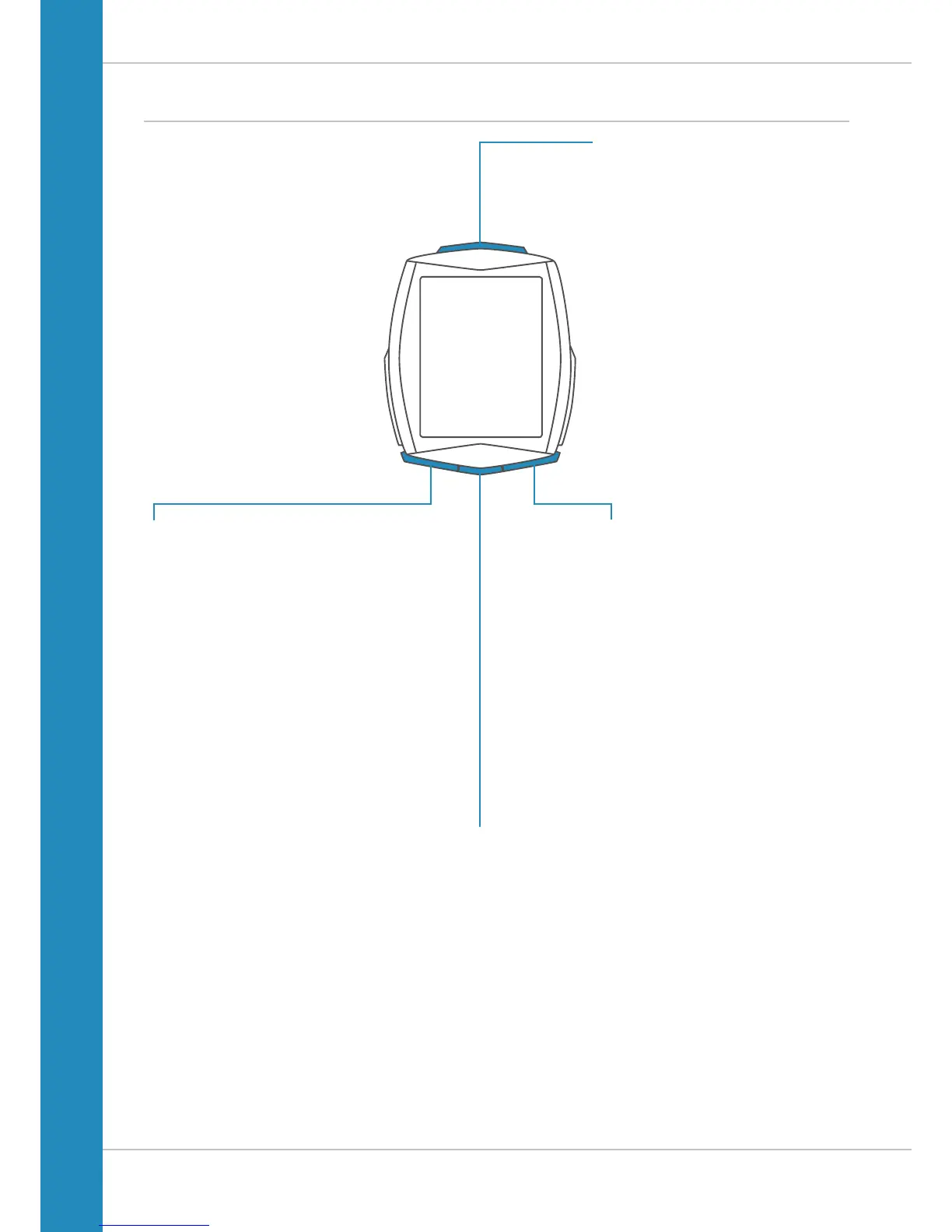
Buttons
The VDO M6 has four buttons.
SET
In function mode:
– Scroll backwards through the functions
– Open the setting mode
(press and hold)
– Access the total values for distance
and ride time (press and hold)
– Access the stored trip data
(press and hold)
In setting mode:
– Open the setting
– Confirm the setting once ready
– Exit setting mode and return to
function mode
BIKE
In function mode:
– Access the functions
(scroll forwards through the functions)
– Reset trip data to zero
(press and hold)
In setting mode:
– Scroll in the setting menu (forwards)
– Change the data to be set (increase)
ALTI
In function mode:
– Access the altitude data for the
current trip
– Access the altitude recalibration
(press and hold)
In setting mode:
– Exit setting mode/one level
back/back to function mode
TPC (TOTAL/PULSE/CAD)
In function mode:
– Access the totals for
distance/ride time
– Access the heart rate functions if
the heart rate option is activated
– Access the cadence functions if
the cadence option is activated
In setting mode:
– Scroll in the setting menu (backwards)
– Change the data to be set (decrease)












 To Next Page