Functions in the heart rate option
If the heart rate option is activated, the heart rate functions
are accessed by pressing the TPC (TOTAL/PULSE/CAD) button.
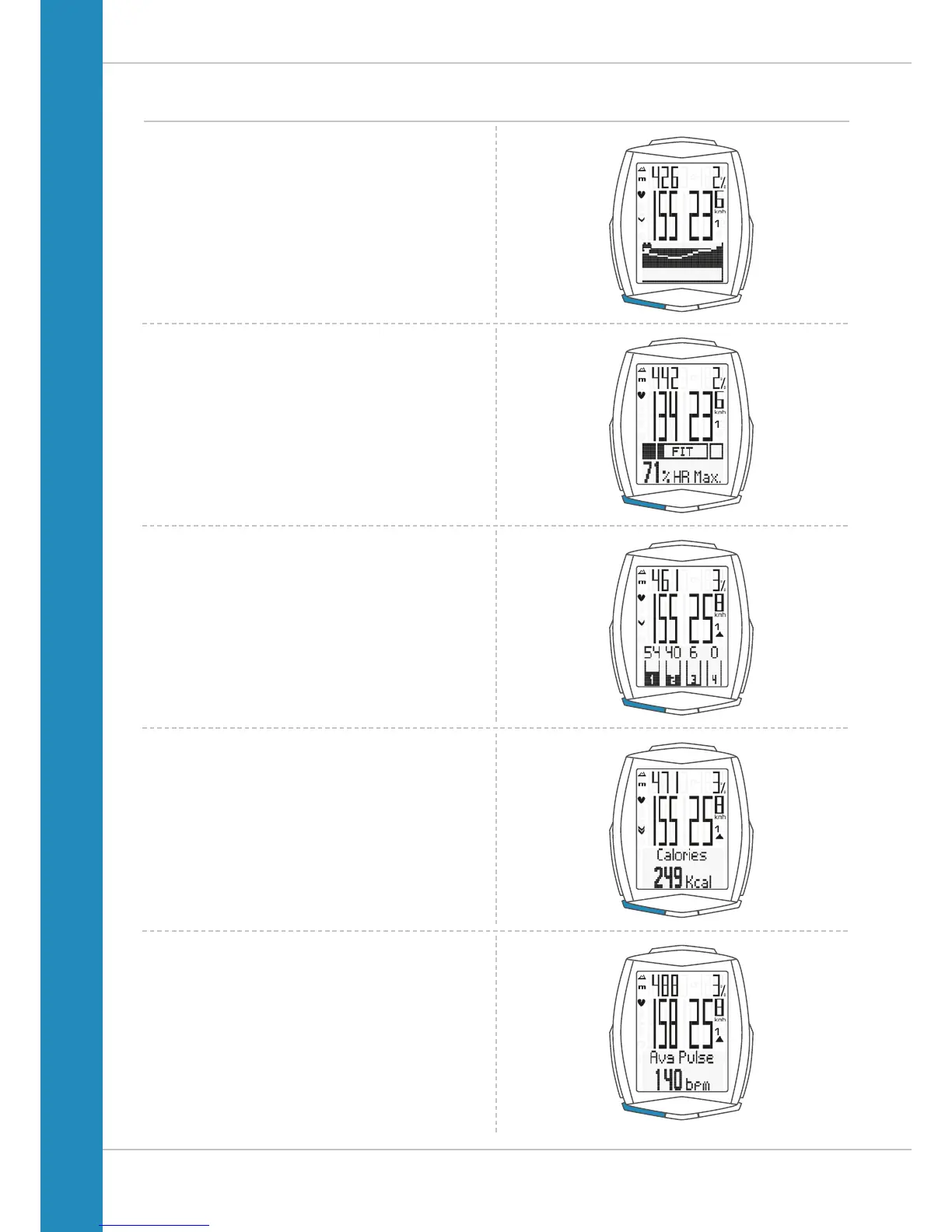
The following functions can be sequentially accessed:
Heart rate graph
Displays the heart rate progress for the current trip
over the last 10-15 minutes.
Zones graph
With current heart rate as a percentage of the personal
maximum heart rate and an indicator of the selected
training zone (FIT/FAT/OWN).
Intensity zones graph
Indicates the percentage shares of the four pre-defined
intensity zones during the training.
Calories
Indicates the calories burnt on the current trip.
Average heart rate
Indicates the average heart rate on the current trip.












 To Next Page