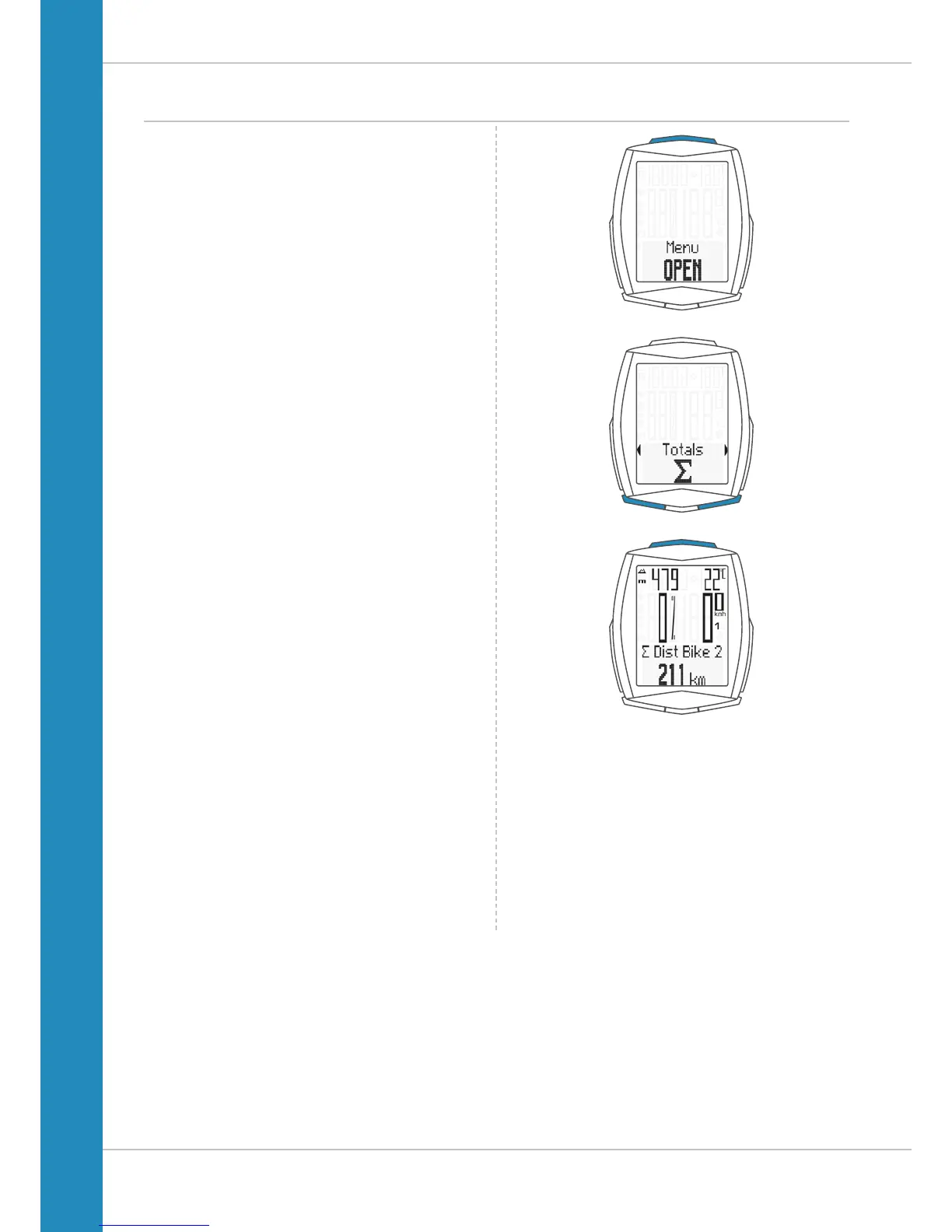
Accessing the total values
OPTION 2:
Press and hold the SET button until the menu opens.
– Press the BIKE or TPC button to scroll to the total values.
– Press theSET button to open the total values display.
– Press the BIKE or TPC button to scroll in the total values.
The total distance 1 (sum of all individual trips with bike 1)
is displayed first.
– Press the BIKE or TPC button to scroll to the other totals.
If you have also used bike 2, the values for bike 2 are also
displayed here.
You can also access the total values for bike 1 + bike 2 here:
If the HEART RATE option is activated, you will also receive
totals data for your calorie burn:
– Calorie burn with bike 1
– Calorie burn with bike 2
– Total calorie burn with bike 1 + bike 2
Press (and hold) the SET button to return from the total values
information to the normal function mode.












 To Next Page