Settings – Dimension
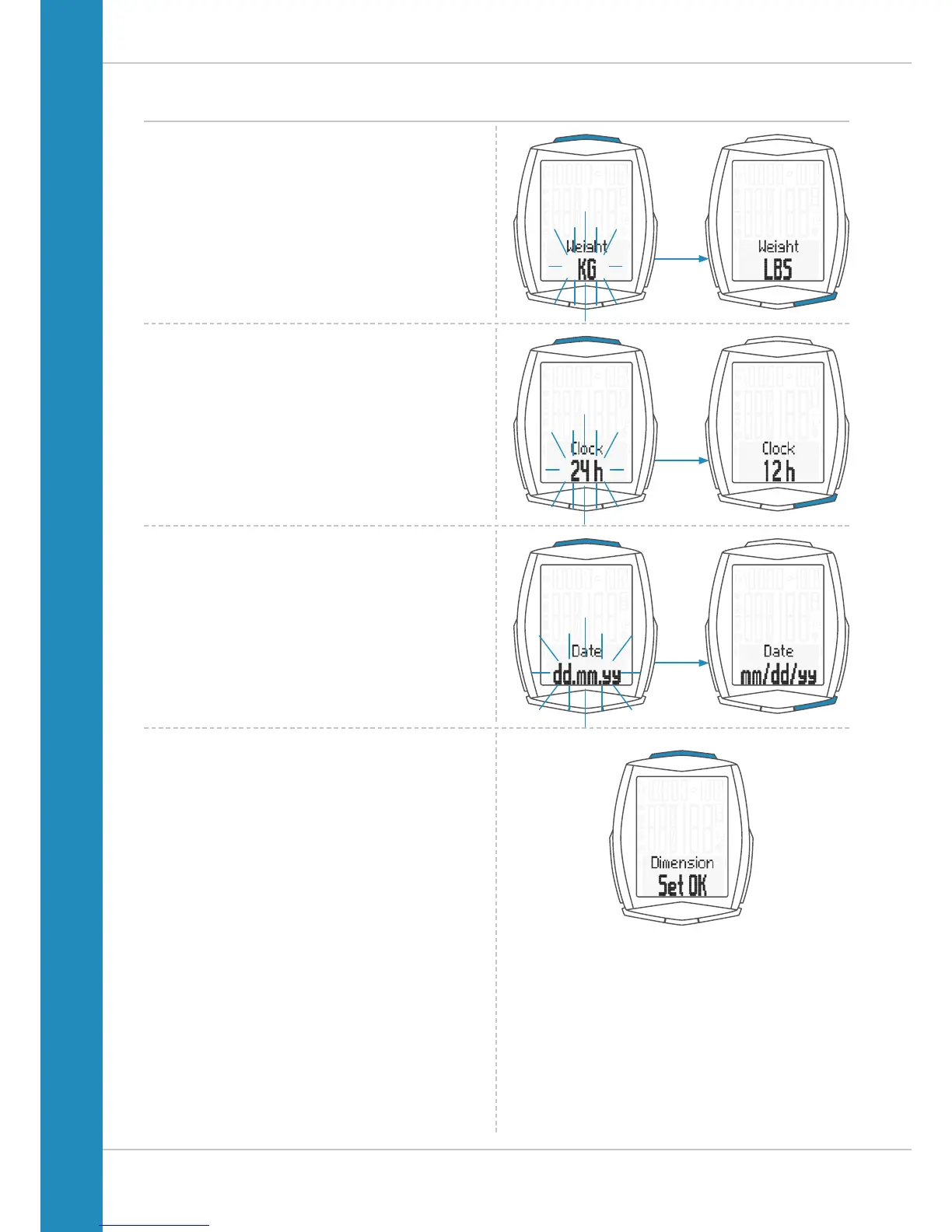
The setting for the unit weight now appears on the display.
KG or LBS (POUNDS) can be selected.
Press the BIKE button to make the selection.
Press the SET button to confirm the selection.
The setting for the date format now appears on the display.
You can choose between the European format and the English
format.
Press the BIKE button to make the selection.
Press the SET button to confirm the selection.
The setting for the time format now appears on the display.
Here, you can select a 24-hour format or a 12-hour format
with AM/PM.
Press the BIKE button to make the selection.
Press the SET button to confirm the selection.
The response “Dimension Set OK” appears on the display.
If you want to configure further settings, press the BIKE or
TPC button to access these.
If you do not want to configure any further settings,
press and hold the SET button.
The settings menu closes.
The VDO M6 returns to function mode.












 To Next Page