Care and cleaning PLRF25C-1.2en
12
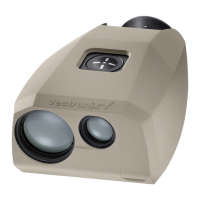
Cleaning the casing
Wipe the casing with a
damp cloth. Pay special
attention to dirt and grease
around the button.
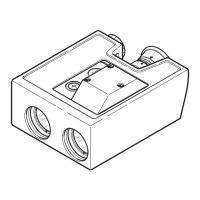
Blow out the device
interface cable socket, and
clean it carefully.
Allow the device to dry fully
before packing.
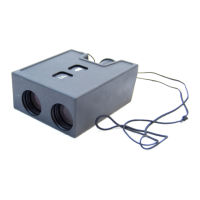
Cleaning the interface
cable
Protect the cable from damp
and dirt as much as
possible! Wipe the cable
with a damp cloth. Blow out
soiled cable plugs with
clean air, and leave them to
dry.


 To Next Page
 Loading...