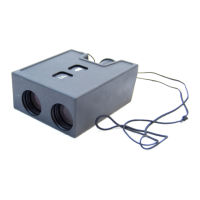
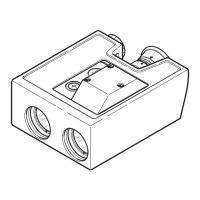
PLRF25C-1.2en Options
55
DAGR Settings
Setting the PLRF25C
• Store the interface setting
DAGR,
see page 37-38.
Connect the interface cable to
the DAGR J2 connector.
DAGR Setup:
1. MAIN MENU/System/Select function set
• FUNCTION SET: Advanced
2. MAIN MENU/Receiver Setup/Power
Saver
• AUTO-OFF MODE/TIMER: Off
• AUTO-STANDBY MODE: Off
3. MAIN MENU/Receiver Setup/GPS
Setup
• OPERATING MODE: Continuous
• POWER ON OPERATING MODE:
Continuous
• FREQUENCY: L1 Primary
• SV CODE: All-Y
• ELEVATION HOLD: Auto
4. MAIN MENU/Communications/COM
Port Setup
• CONFIGURATION: Standard
• LASER RANGE FINDER (LRF)
TYPE: Other
• COM Port: COM Port 1
5. MAIN MENU/Display Setup/UNITS
• MAGVAR TYPE: Calculated - WMM
Azimuth in PLRF25C and
azimuth on DAGR may be
different due to declination
setting.


 To Next Page