HP25E / HP30E6. Graphical control
6-34 © VEMAG 2018
6.6.4.9 Metal detection
Display: Metal detection
Selection: O / Manual / Reject system
Unit: Gramme [g] / Milliseconds [ms] / Speed [%]
Resolution: 1 g / 1 ms / 1 %
Setting range: 1 – 2,000 g / 10 – 2,000 ms / 10 – 100 %
Application: Metal detector
• Enter weight/delay time and speed.
• Press Enter.
Metal detection has two functions.
1. Manual removal of the foreign body. The foreign body is rejected
at a dened weight and speed.
2. Automatic removal of the foreign body using the reject system.
The foreign body is rejected at a dened delay time and speed.
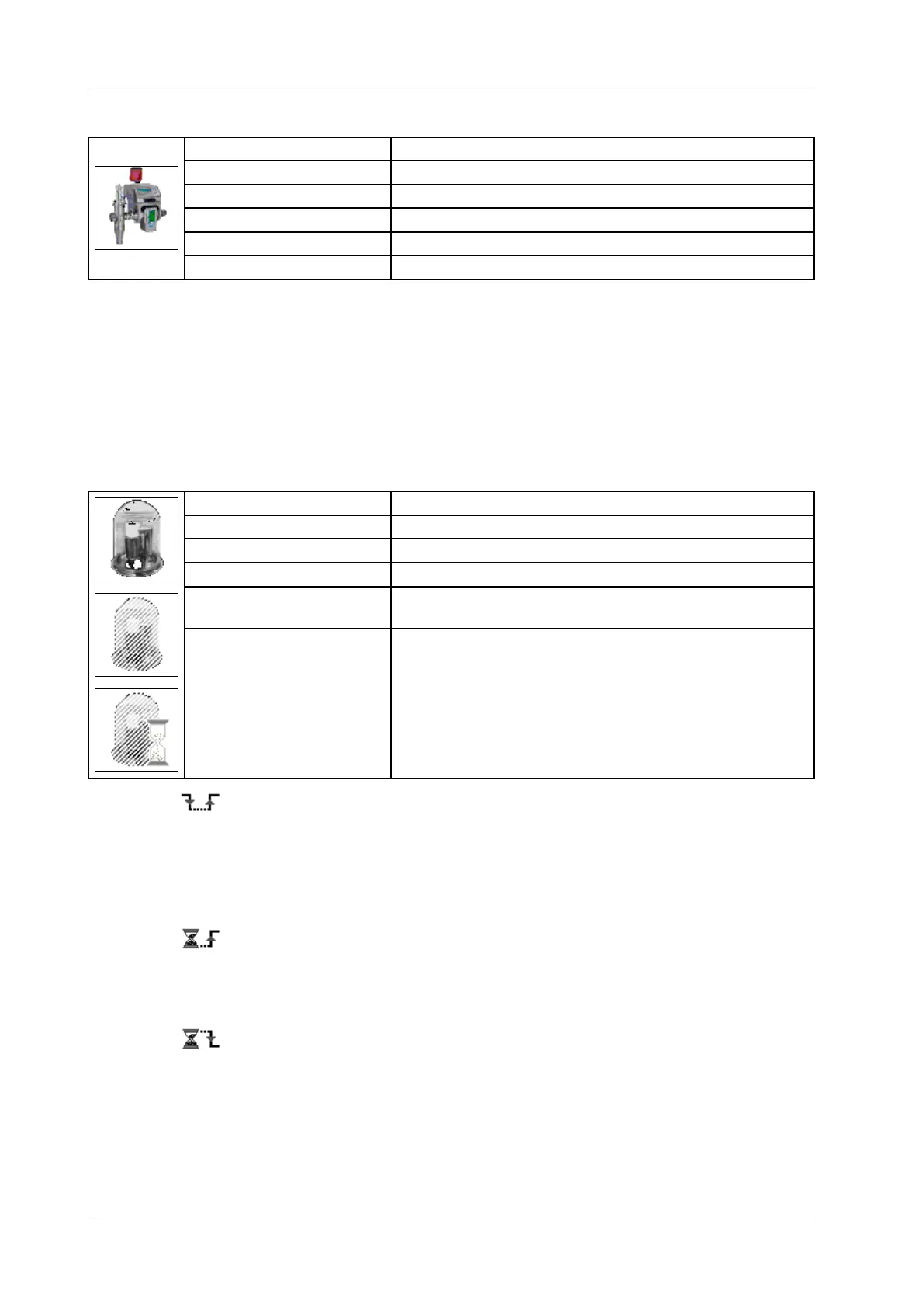
6.6.4.10 Vacuum control
Display: Vacuum control
Selection: O / Time / Vacuum deactivated
Unit: Seconds [sec] / Milliseconds [ms]
Resolution: 0.1 sec / 1 ms / 1 ms
Setting range: 0.1 – 25.5 sec / 0 – 99,999 ms (default = 5,000) /
0 – 99,999 ms (default = 15,000)
Application: Automatic vacuum control (optional)
• Enter venting time.
• Press Enter.
The stop valve closes and the feed system is vented for the set time
in order to reduce the vacuum in pauses.
„0“ = Vacuum control o (= vacuum is permanently active)
„-1“ = Vacuum deactivated
• Enter switch-on delay.
• Press Enter.
The machine restarts following the set switch-on delay. This ensures
that the required vacuum can be built back up.
• Enter switch-o delay.
• Press Enter.
The machine stops, the vacuum is switched o after the set switch-o
delay and the feed system is vented.



 To Next Page