P-8
03/2006
Calibration Discovery:
Please refer to the Levels and explanations listed below:
Level – 0 We are not doing a ‘Discovery – no motion. No Discovery is required
Level – 1 Check Physical Shelves against the stored data. If shelf is in stored data,
isthereareectorthatcorrespondstoit
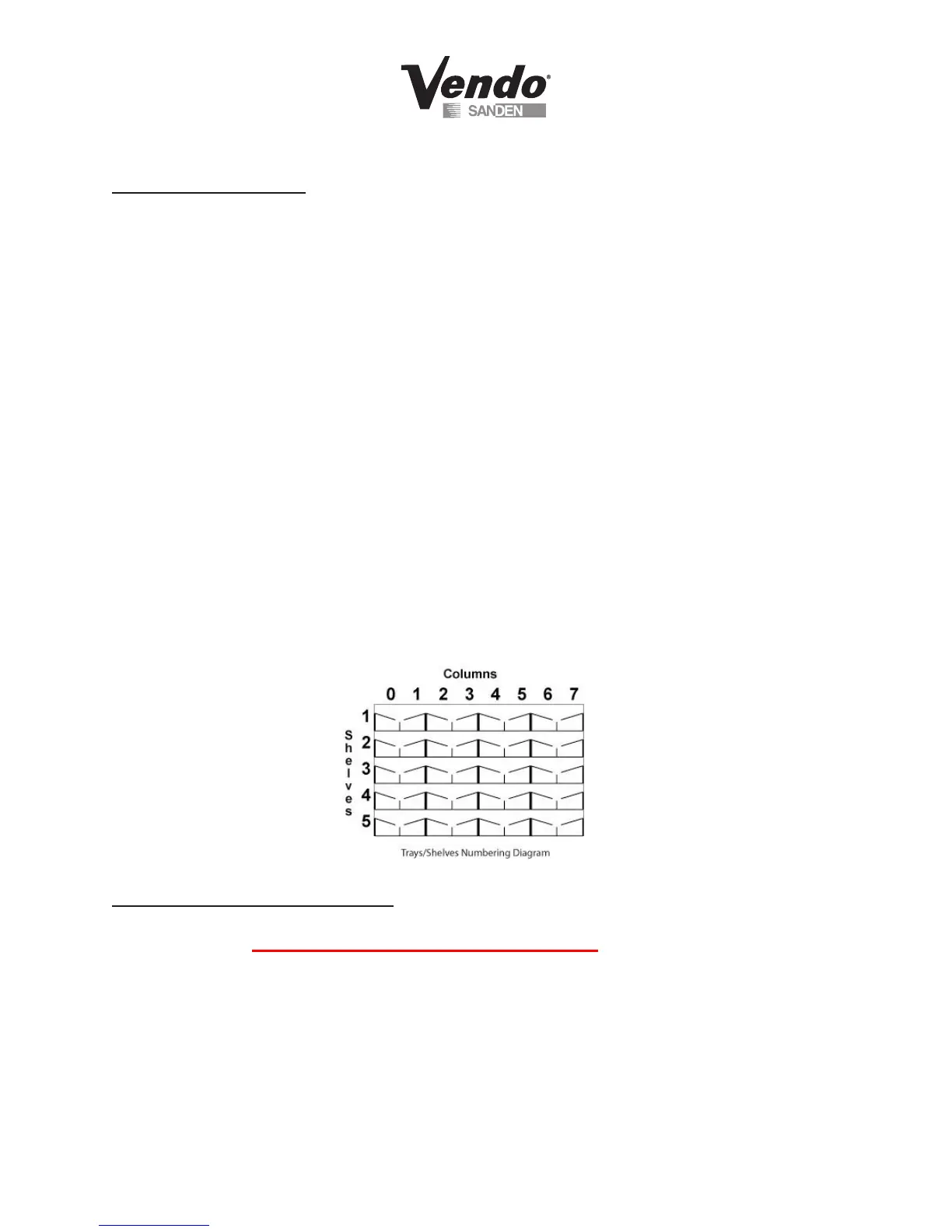
Level – 2 Sets vendor for actual physical locations for trays and shelves
1. Enter on Button 4 – Discovery
2. Enter again on Button 4 – ‘Discovery Level 0’
3.EnteronButton4–‘Level0’ashes
4. Advance on Button 2 to desired level
5. Press Button 4 to save
6. If Level 1 or 2 is chosen, the display will read ‘Please close the door’ followed by
‘Press 1 – Accept
7. Press Button 1 to start the Discovery process
8. Vendor will return to ‘Sales Mode’ when Discovery has been completed.
* Note: Calibration Menus are Password protected. Please contact Technical Service:
1-800-344-7216 for assistance in changing vendor conguration.
Calibration Discovery Correction:
Allows the user to alter vending positions in X and Y for the entire vendor, a particular shelf or a
particular tray set. This mode is used in Trouble Shooting only.



 To Next Page
 Loading...





