PVR settings
Recording Operation
Record and Time shift function buttons
NOTE: a. Display and exit the navigation menu by pressing the EXIT.
b. Press STOP button to exit the recording mode.
c. Press PLAY button to play the program you are recording from the beginning.
REC: Press to start recording.
PAUSE: Press to OK the time shift mode, press play to play the recording.
Stop: Press to stop recording or time shift.
REC LIST: To display the recorder menu.
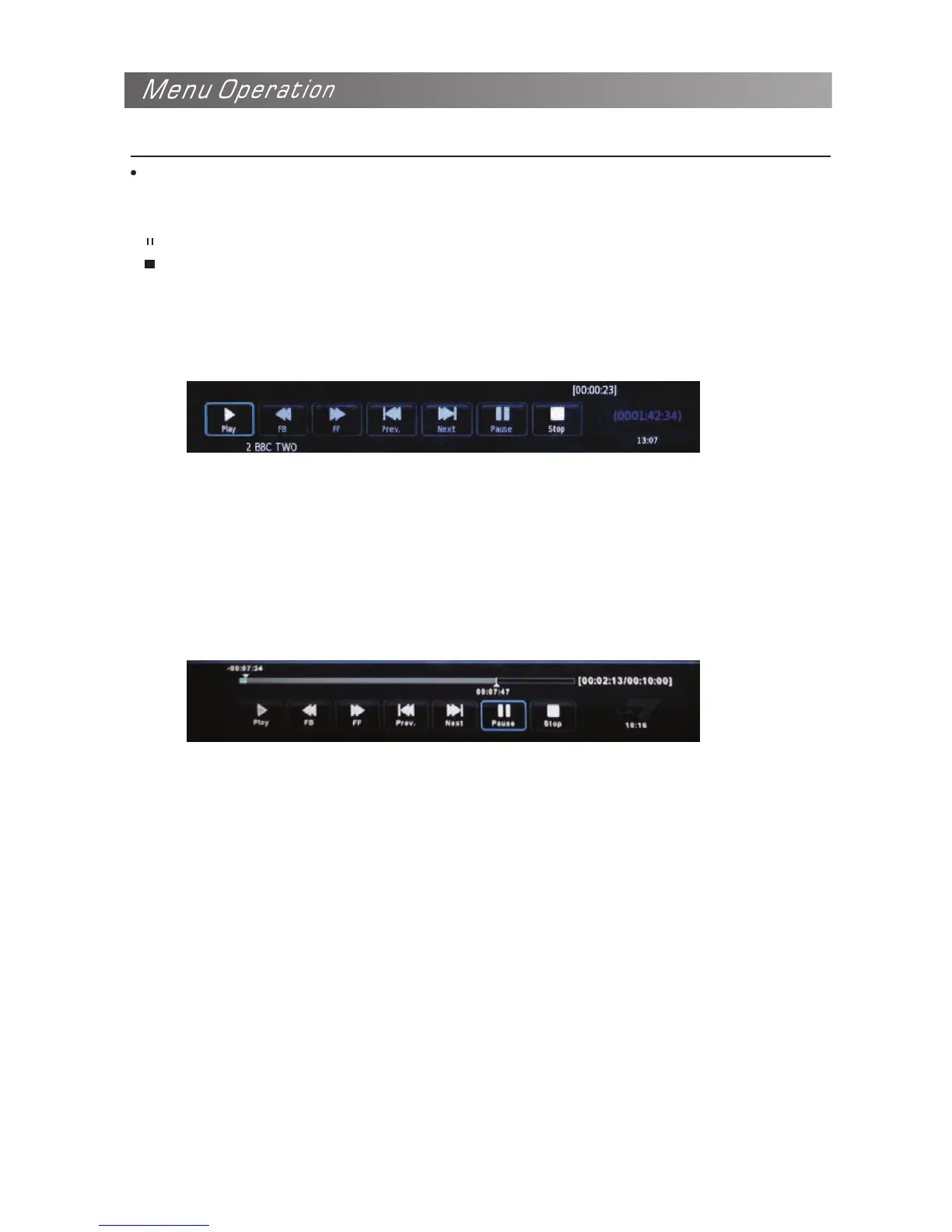
1)Record menu
When you press REC button in DTV mode, the screen will display the recording menu
as below:
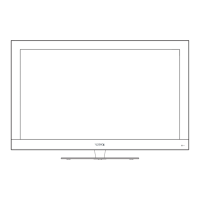
2)Time shift menu
Press PAUSE button to enter the Time shift mode in DTV mode, and the picture will be paused,
the recording will stop.
NOTE: a. Press STOP button to exit the Time shift mode.
b. Press PLAY button to play the program you are recording from the beginning.


 To Next Page