PVR settings
Recording Operation
1. PVR File System
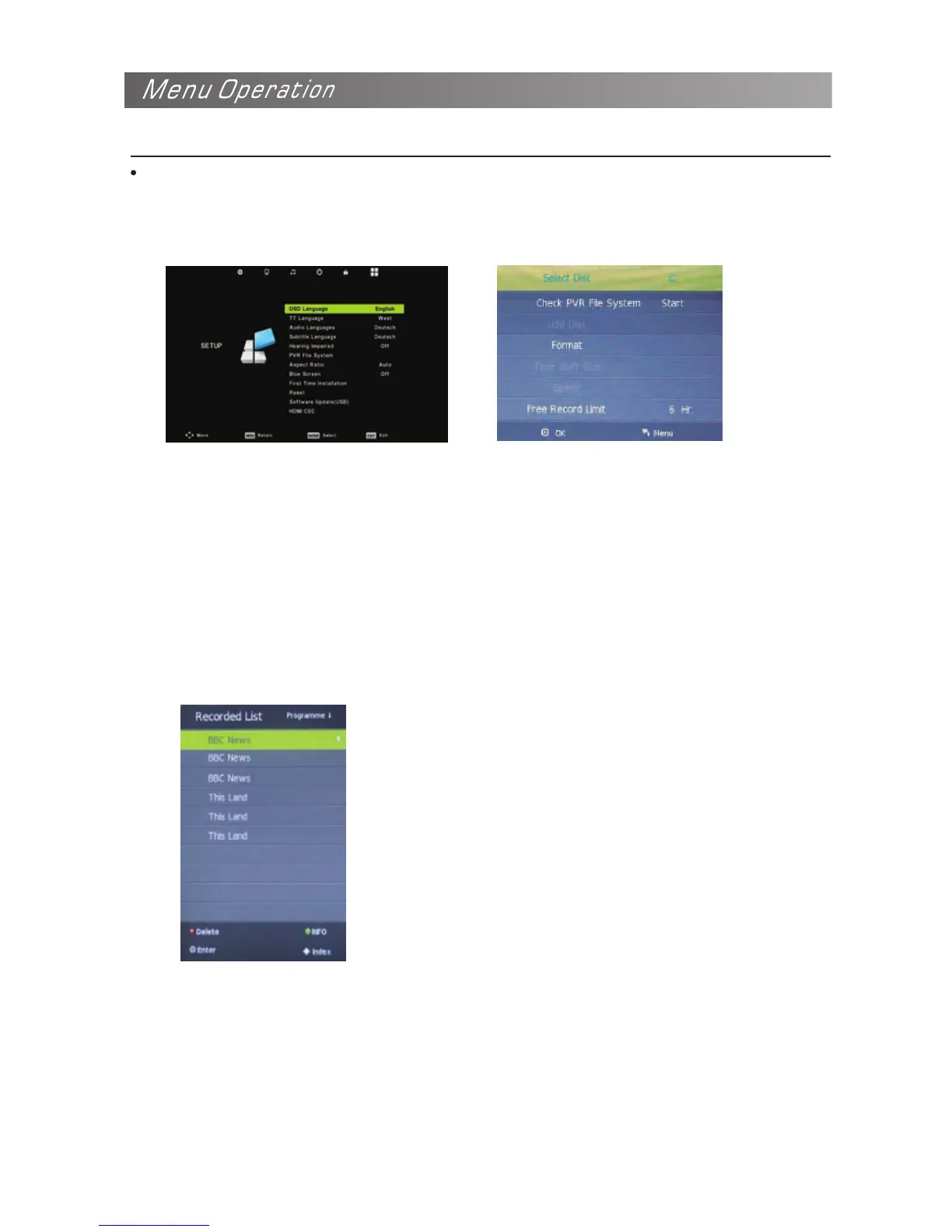
Press the MENU button, select SETUP menu, and select “PVR File System” , then press OK button
to enter the setting menu.
Please check whether your USB device works or not before recording.
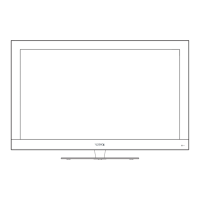
Select Disc: Select the device for the Record files.
Check PVR File System: Check the system.
USB Disc: Display the USB state.
Format: Format the USB device for PVR operating.
Time Shift Size: Display the size of the USB device(The device has been formatted).
Speed: Display the speed of the USB device(The device has been formatted).
Free Record Limit: Display the Free Record Limit state.
1. Recorder
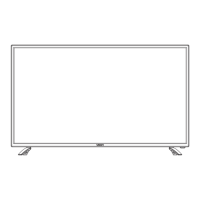
Press INDEX button on the remote control to display the recorder menu in DTV mode as below.
NOTE: You select a recorded program, and press OK button to program.
NOTE: You can delete a recorded program by pressing the RED button on the list. NOTE: You can
display the information of the recorded program by pressing the GREEN button on the list.


 To Next Page