Multimedia Operation
3.Movie
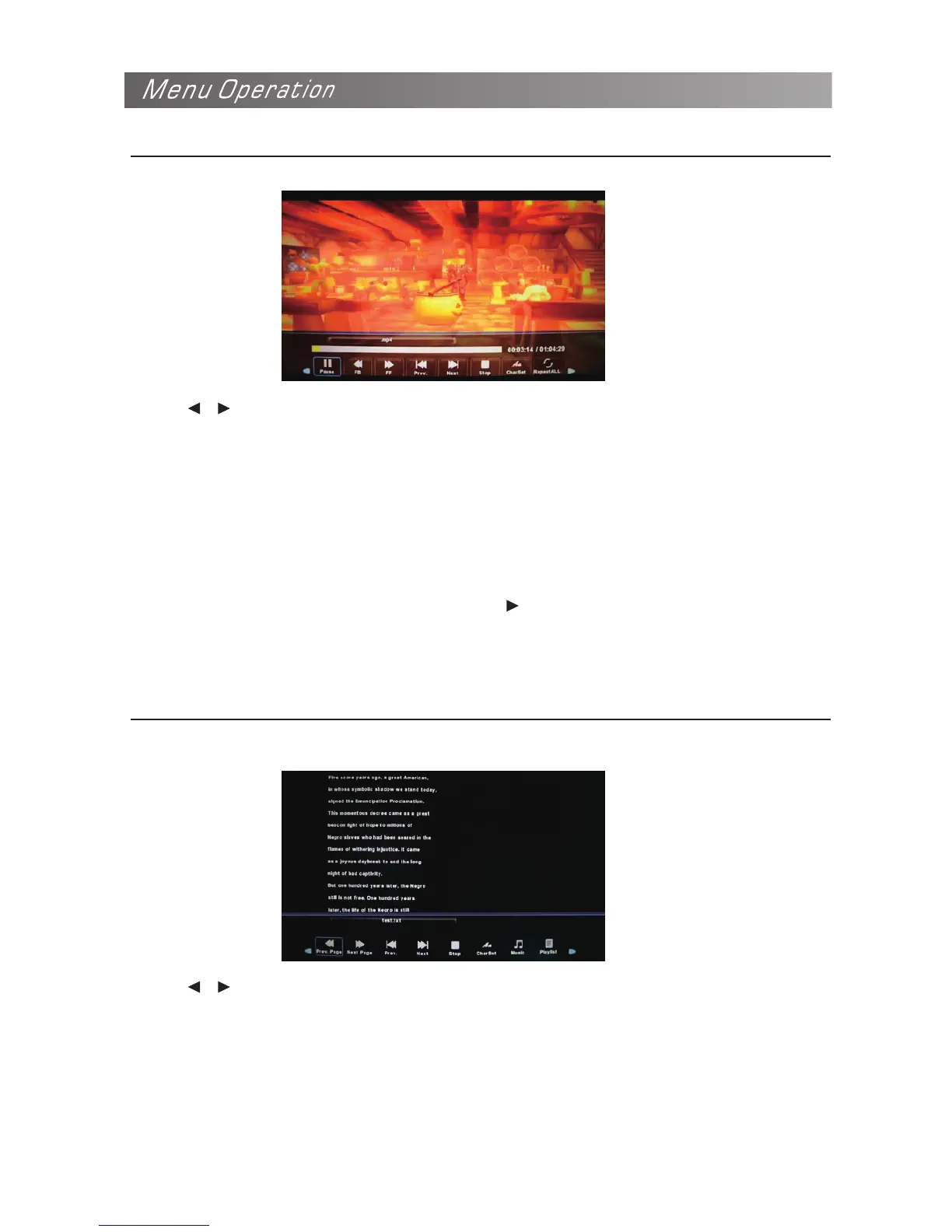
Play the movie
Press / button to select the option on the menu, and press OK button to change.
Play/Pause: Play/pause the movie.
Prev/Next: View the previous/next file.
Stop: Stop the movie.
Repeat ALL: Select the repeat mode from Repeat All, Repeat 1, Repeat None.
Set A-B: Select and play the preferable part of the file by setting A and B at the beginning and end.
Press OK button to cancel.
Playlist: Display the playlist on the screen.
Info: Display the information of the file.
Slow Forward: Play the movies at slow speed, press button to cancel.
Zoom In/Out: Zoom in/out the movies screen.
Move View: Move the photo in zoom in mode.
4.Text
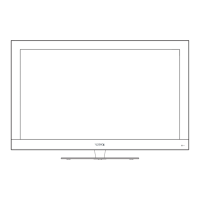
Press / button to select the option on the menu, and press OK button to change.
Previous/Next page: Turn to previous/next page of the text.
Prev/Next: Play the previous/next file.
Stop: Stop auto turning pages.
Music: Play/pause the music program.
Playlist: Display the playlist on the screen.
Info: Display the information of the file.
FB/FF: Fast backward/fast forward.
Go to Time: Play the music from the time you set.
Step Forward: Step quickly through the movie by using this option.
Aspect Ratio: Select the aspect ratio of the screen display.
View the text


 To Next Page