Timer Recording Operation
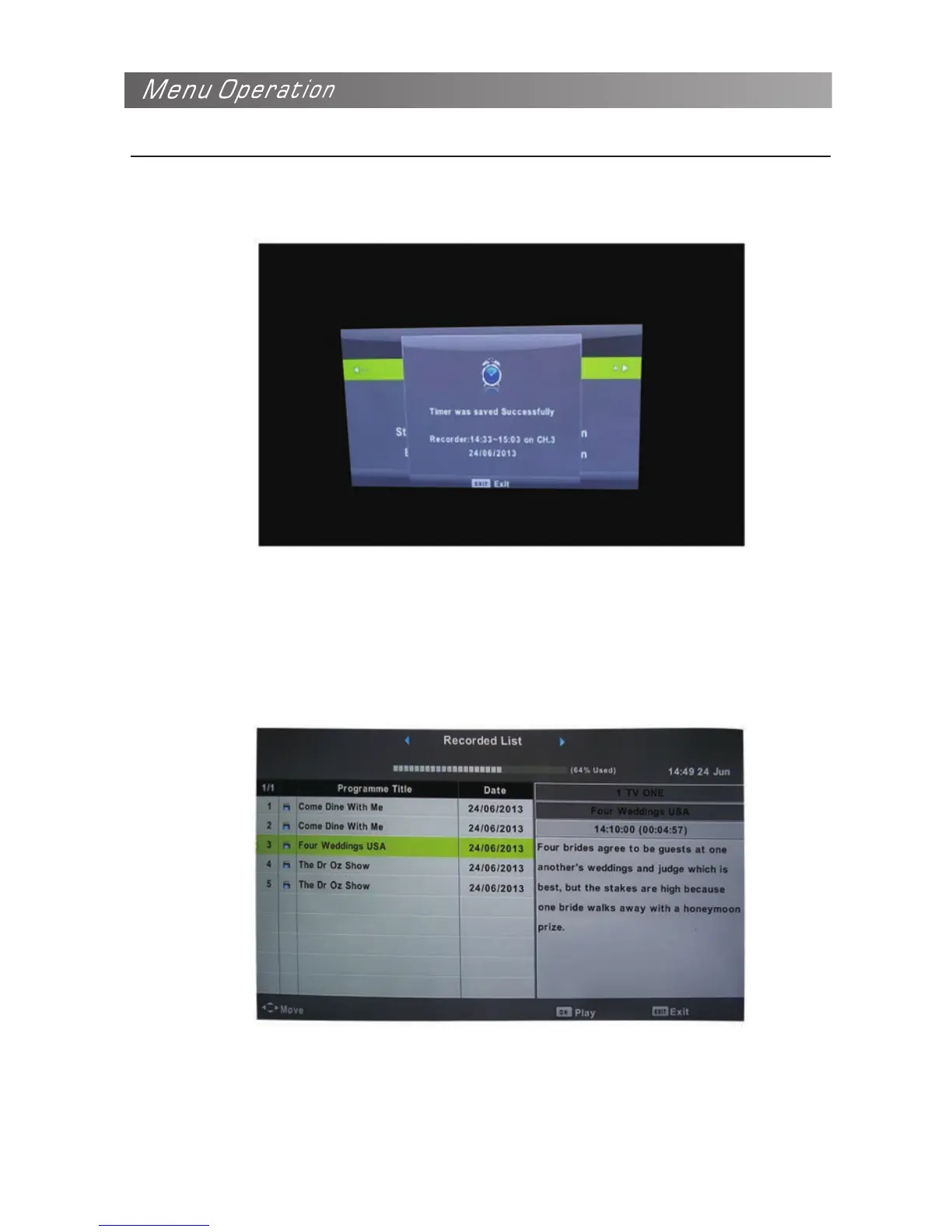
3. Once you selected the program you want to record, press OK button twice to confirm, then you will be
noticed timer record successfully saved and will be working as scheduled.
4. You can have several programs in the timer record list, just press INDEX button and you can enter
the recorded list. Here you can have clear view the programs you set for timer record.



 To Next Page