13
Operations & Maintenance Manual: Setting Up
0900-5165 REV-00
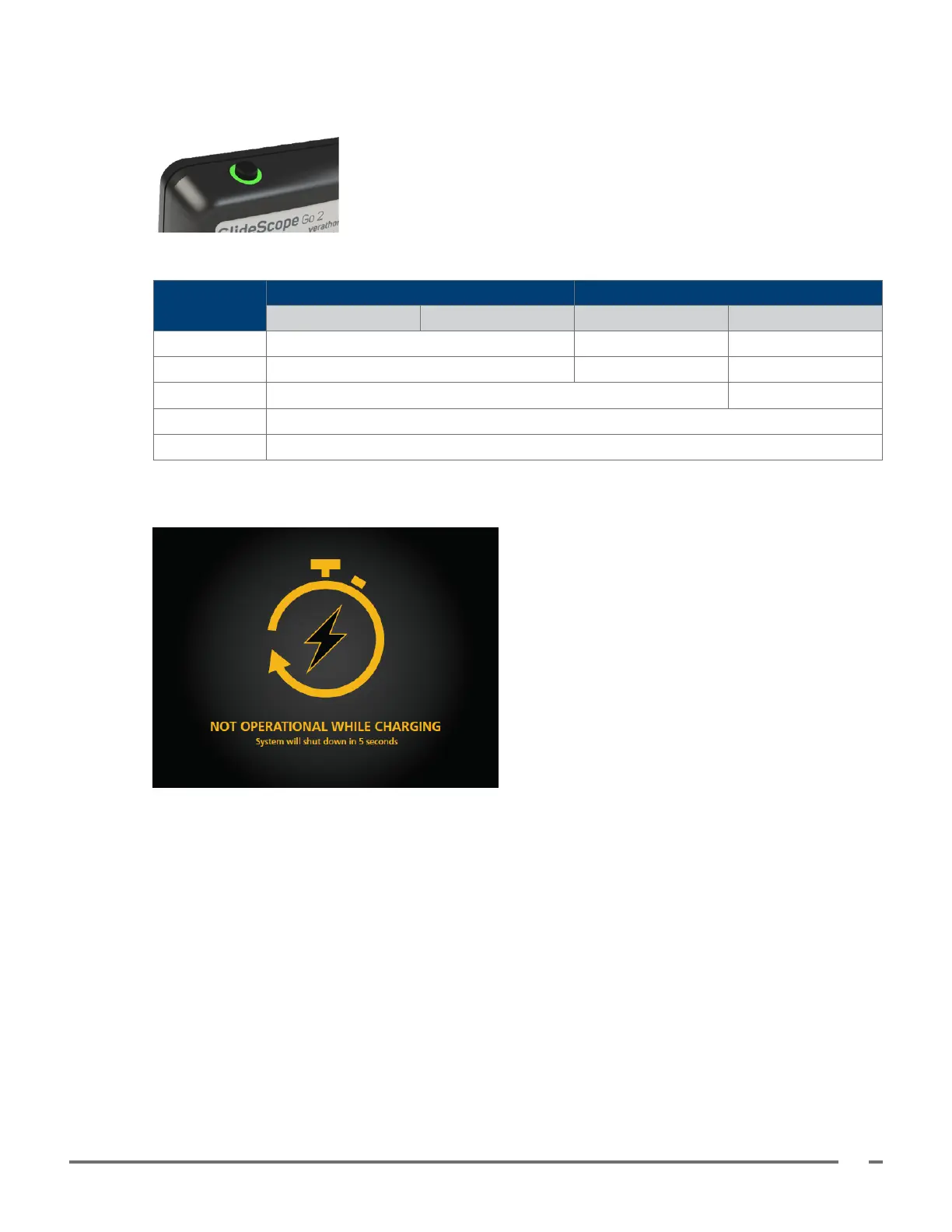
2. Allow the battery to charge until the indicator LED is solid green. See the following table for a summary
of how the indicator LED indicates the charge level and condition of the battery.
Table 5. Indicator LED Battery Charge Descriptions
LED STATUS
CONNECTED TO EXTERNAL POWER NOT CONNECTED TO EXTERNAL POWER
System On System O System On System O
Solid green Nearly full — —
Solid orange Partially charged — —
Solid red Nearly empty —
Blinking red Over temperature or not present
O Not charging
3. The monitor is not operational while charging. If the monitor is connected to power while turned on, a
notice displays on the screen, and then the monitor automatically shuts down after 5 seconds.
4. Remove the monitor from the cradle, and then press the Power button to turn the monitor on.
Note: Do not attach a blade or baton at this time.













 To Next Page