14
0900-5165 REV-00
Procedure 3. Complete the Setup Wizard (Optional)
The rst time the monitor is turned on, a setup wizard guides you through some initial settings. If the setup
wizard has already been completed, or you decide to skip the setup wizard, all settings can be modied in
Congure User Settings (Optional) on page 18.
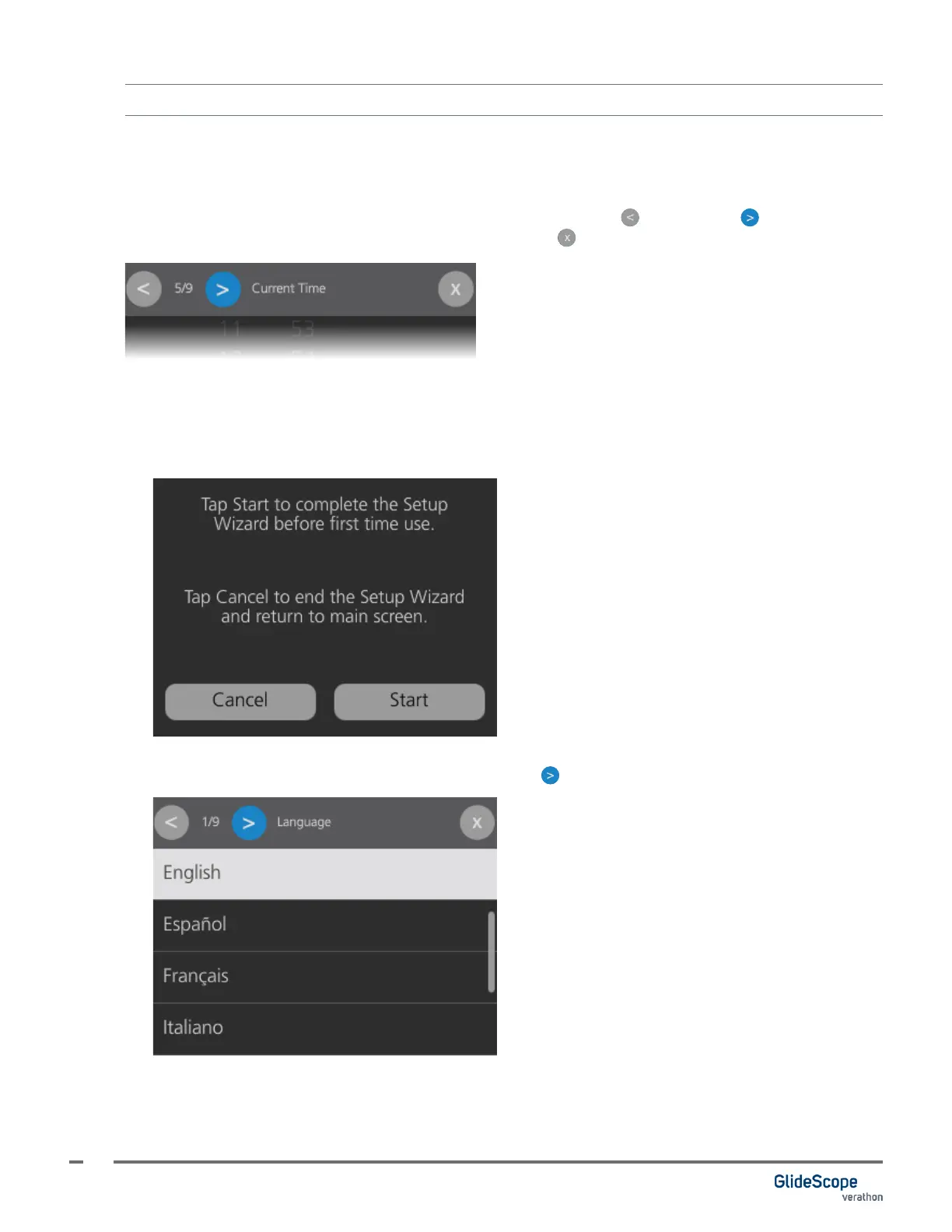
The setup wizard step is shown at the top of the display. Use the Back and Forward buttons to
navigate through the wizard. To exit the wizard, tap the Close button.
Note: You may need to scroll down to see all options within a settings page.
1. Tap Start to begin the Setup Wizard. If you do not want to complete the Setup Wizard at this time, tap
Cancel to exit the wizard.
2. Select the system language, and then tap the Forward button to continue.













 To Next Page