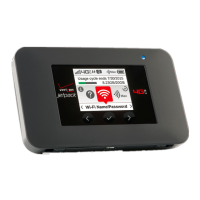
28 Settings
Note
You can disable the Factory reset by using Jetpack settings. See
Backup and Restore on page 37.
About Jetpack
Jetpack Info
1. From the Home screen, select Menu and press .
2. Select About Jetpack > Jetpack Info and press .
3. You can see detailed information about the Jetpack.
Note
You can change the admin password. See Jetpack Admin
Password on page 34.
Data Usage
1. From the Home screen, select View Usage and pres . You
can also select Menu > About Jetpack > Data Usage and
press .
2. You can see the usage history details. When you select the
Refresh, the usage history will be updated accordingly.


 To Next Page
 Loading...