EXS
User Manual 10H52260UM60 - Rev. 1 - 10/2017 45
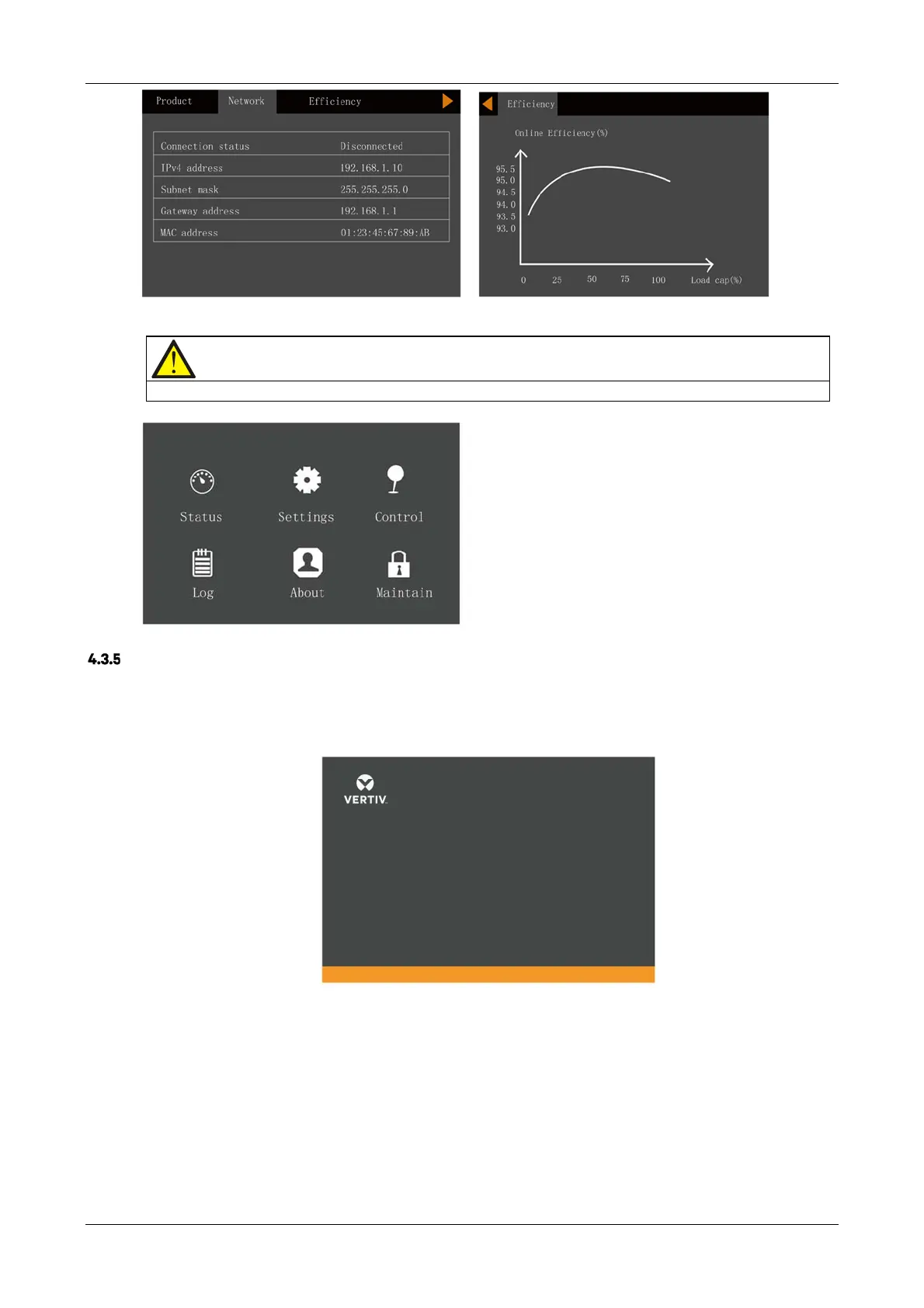
Maintain page
Note
The Maintain page is password protected and reserved for use by VERTIV service engineers only.
Default Screen
During the UPS operation, if there is no alarms for two minutes, the display will revert to the default as shown in
Figure 4-14. While the Default screen is displayed, if there are no alarm or fault conditions active, the Flow screen
shown in Figure 4-12 will be displayed if the user presses any key.
Figure 4-14 Default screen










 To Next Page