EXS
60 User Manual 10H52260UM60 - Rev. 1 - 10/2017
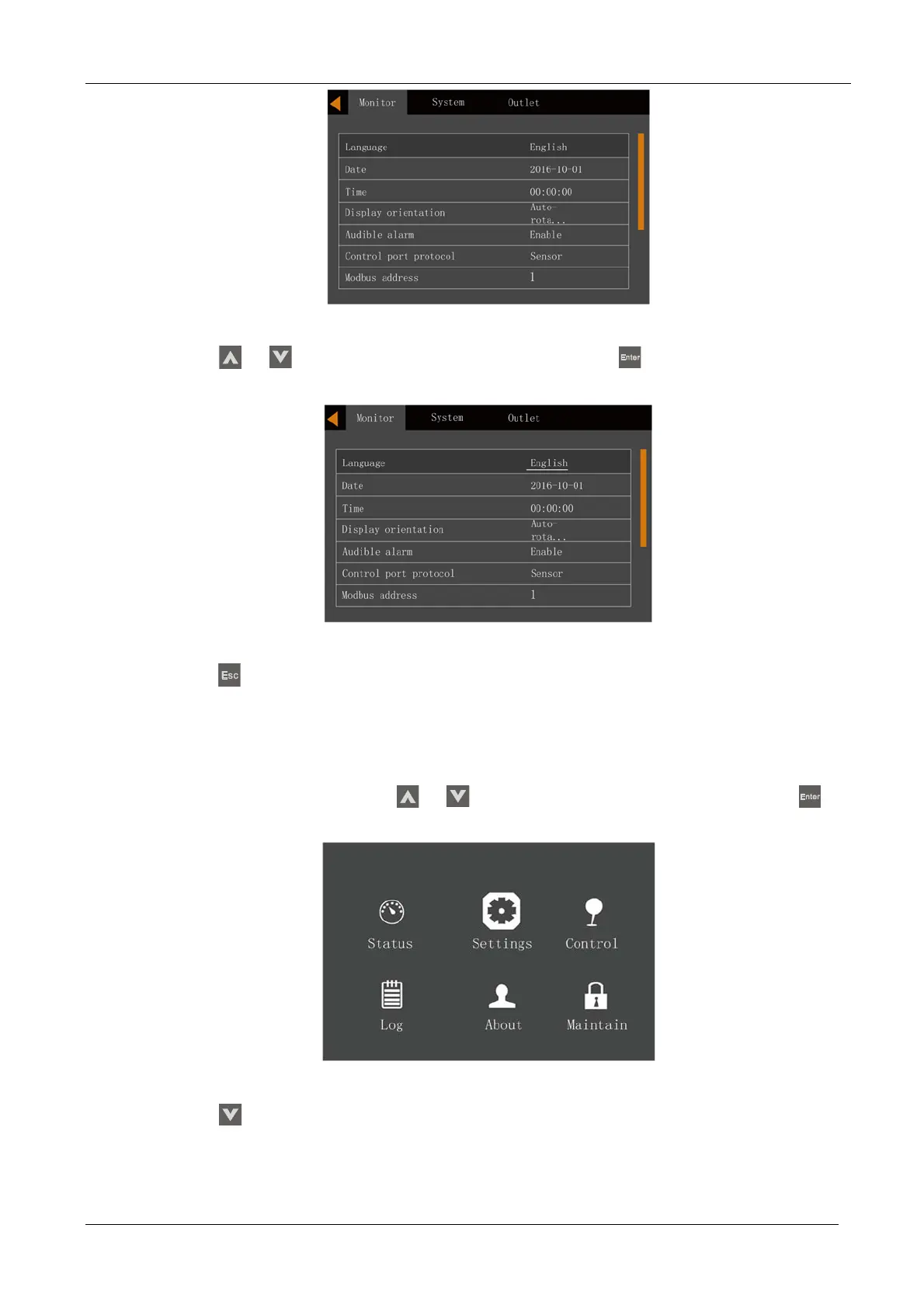
Figure 5-16 Language selection
4. Press the or
key to select your required language, then press the key to confirm. At this point
the LCD information will be displayed in your selected language. See Figure 5-17.
Figure 5-17 Changing Language
5. Press the key several times to return to the main menu screen.
5.8 Changing the Current Date And Time
Procedures for changing the system date and time:
1.
Access the main menu screen and press the
or
key to switch the cursor to select 'Settings', then press the
key to confirm. See Figure 5-18.
Figure 5-18 Main menu screen
2. Press the key to move the cursor to 'Monitor', see Figure 5-19.










 To Next Page