EXS
64 User Manual 10H52260UM60 - Rev. 1 - 10/2017
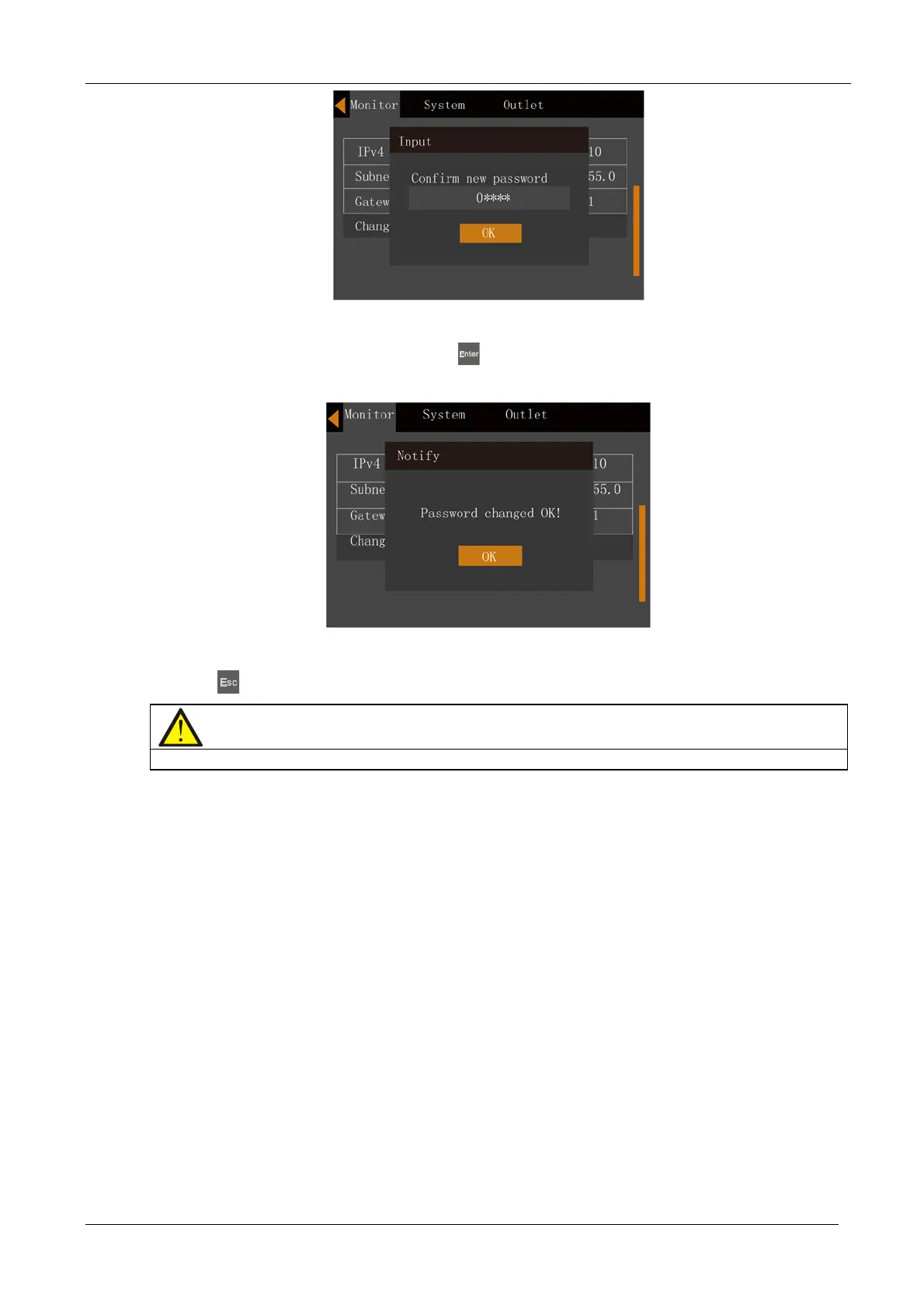
Figure 5-28 Confirming the new password
6. After the confirming the new password, press the
key; at this point a system prompt appears indicating that
the password has been changed successfully, see Figure 5-29.
Figure 5-29 Password changed successfully
7. Press the
key several times to return to the main menu screen.
Note
In order to access the UPS parameters it is necessary to enter the correct password (default:111111)










 To Next Page