Vertiv | Liebert® DM | User Manual 71
Microprocessor Controller
5.3.2. Password Screen
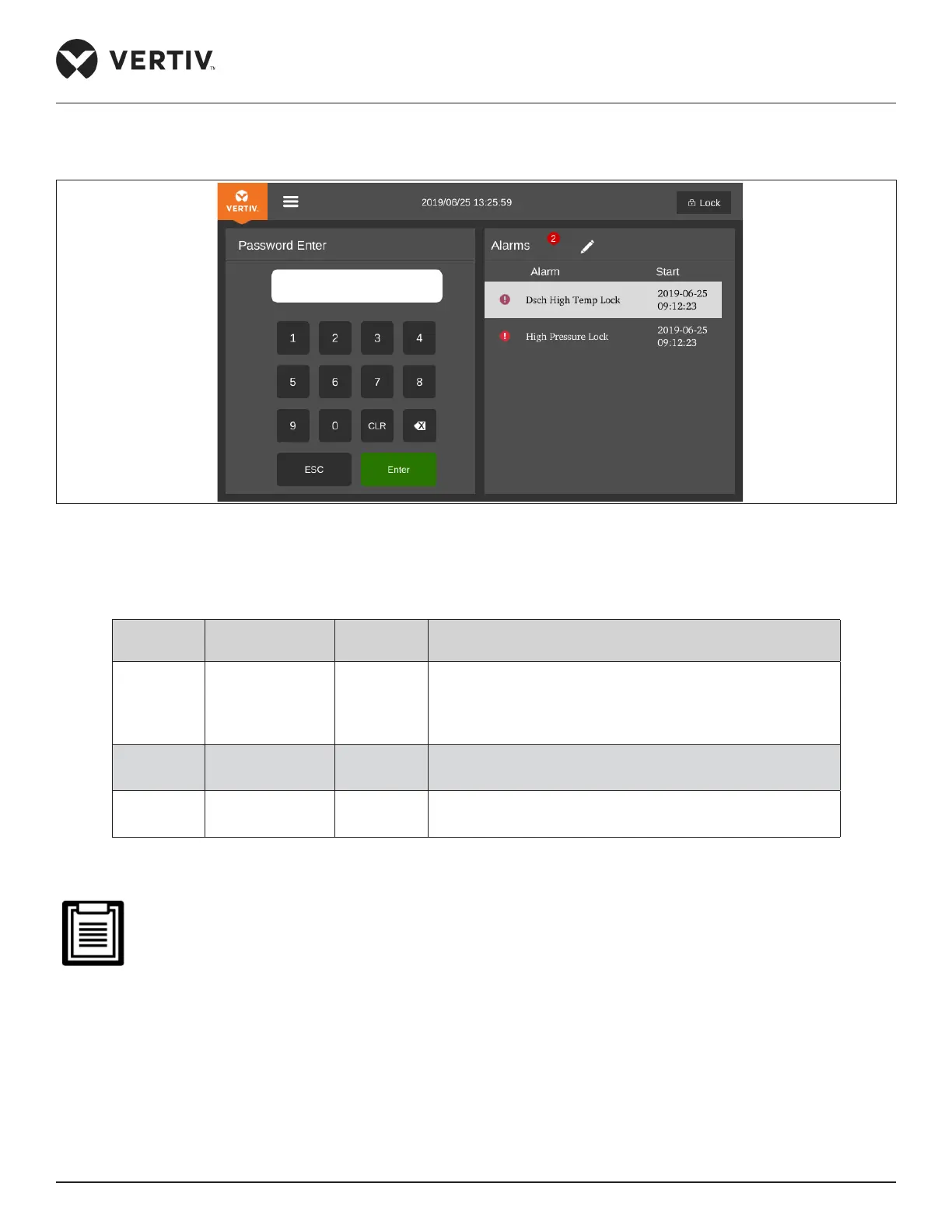
Press the Unlock button on the Normal screen, and the Password screen will appear, as shown in Figure 5-5.
Figure 5-5 Password Screen
Three levels of passwords are provided for accessing the menus. The detailed descriptions are listed in Table 5-5.
Table 5-5 Password Level
Password
Level
User
Initial
Password
Remark
Level 1
General
operator
0001
User can browse all the menu information except the
operation and maintenance menu.
User can set all parameters except the parameters under
the operation and maintenance menu
Level 2
Maintenance
personnel
/ Browse all menu information. Set all parameters
Level 3
Factory
technician
/ /
On entering a wrong password, user can only able to see main screen. In this case, user can press the ESC button to enter
the Password screen again.
If user does not enter any password or enter wrong password, user can only view the menu settings but
cannot change any parameters.










 To Next Page