Vertiv | Liebert® DM | User Manual 74
Microprocessor Controller
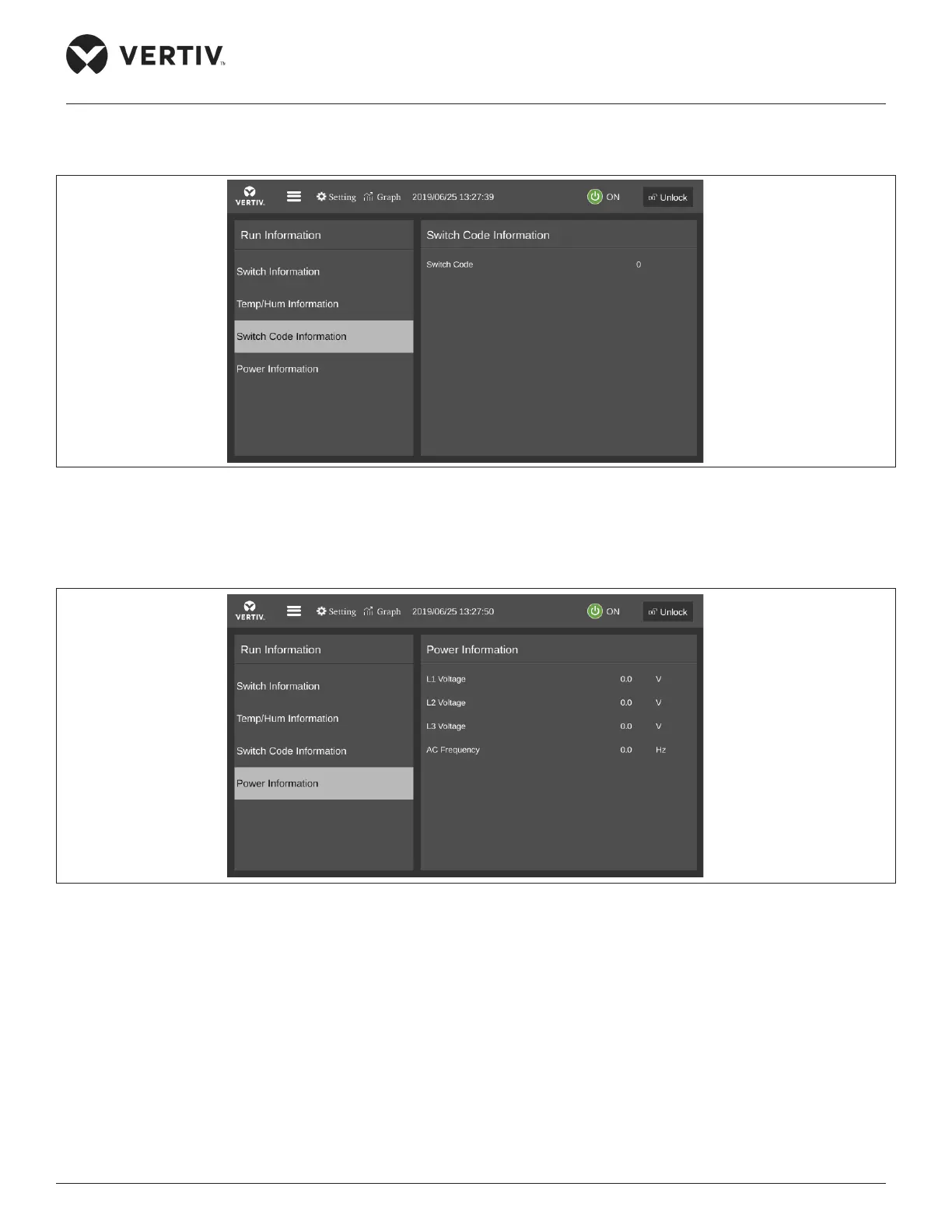
• DIP Switch Information
The DIP Switch Information menu displays the DIP switch value, as shown in Figure 5-9.
Figure 5-9 DIP Switch Information
• Power Information
The Power information menu displays the three-phase voltage and frequency as shown in Figure 5-10.
Figure 5-10 Power Information
5.4.3. Temp/Hum Setting
Select the Temperature and Humidity setting in the main menu to access the interface as shown in Figure 5-11, including
temperature settings and humidity settings. Under this menu, the user can set the value of the return air temperature and
humidity, temperature and humidity ratio band.










 To Next Page