Vertiv | Liebert® DM | User Manual 72
Microprocessor Controller
5.4. Menu Structure
5.4.1. Main Menu
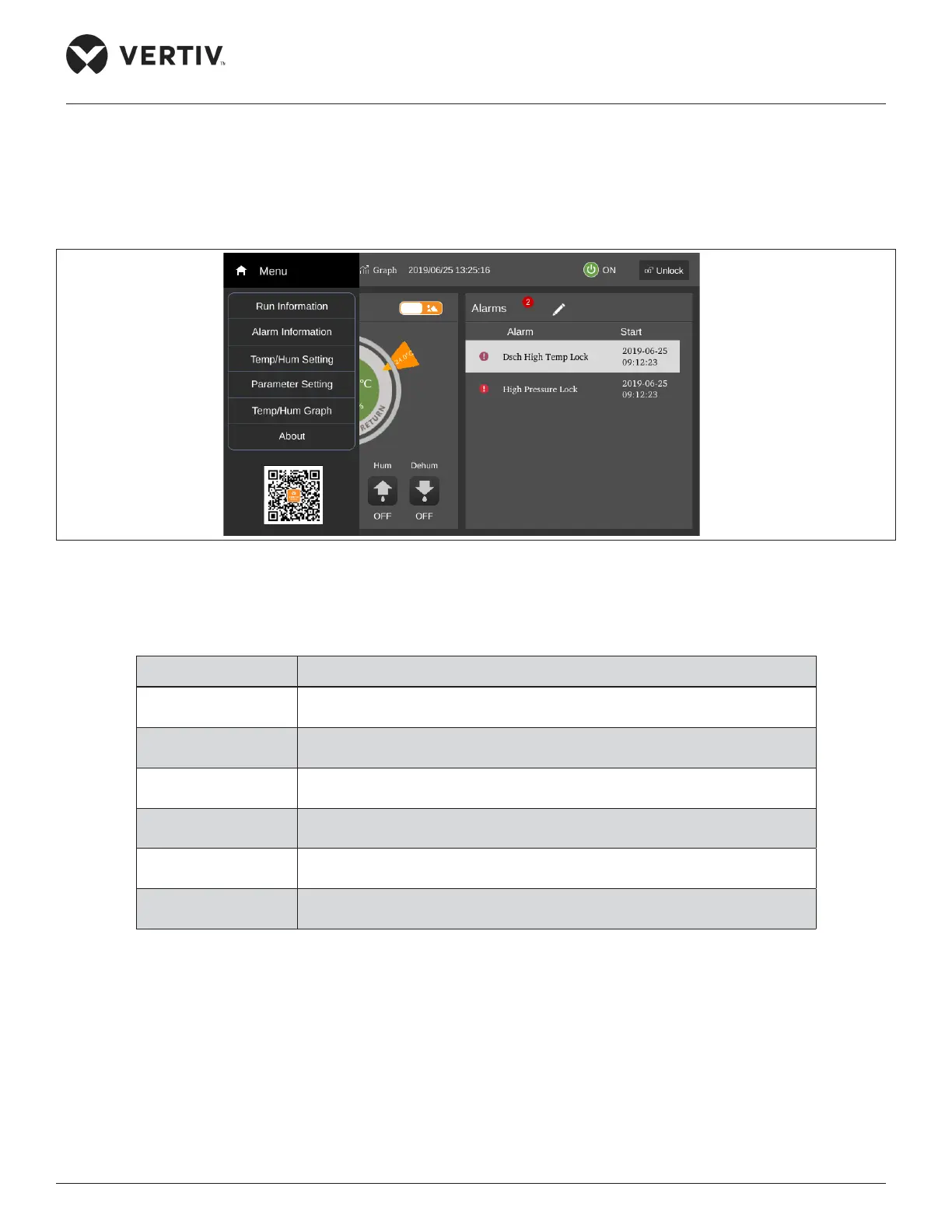
Enter the password in the Password screen and press Enter, and the Main Menu screen will appear, as shown in Figure 5-6.
Some menu items are settable and others are not. For detailed setting procedures, refer Section 5.4.5 for Parameter Settings.
Figure 5-6 Main Menu Screen
The items in the Main Menu screen are described in Table 5-6.
Table 5-6 Main Menu Description
Menu Item
Descriptions
Run information
View digital value information, temperature and humidity information, DIP
switch information, and power information.
Alarm information View active and historical alarms of the system.
Temperature and
humidity setting
Set temperature and humidity values.
Parameter setting
Set teamwork control settings, alarm parameters, alarm properties,
communication settings, time settings, display settings, password settings.
Temperature and
humidity graph
View return air temperature graph, return air humidity graph.
About
View the controller software and hardware version number, the software
and hardware version number of the display screen.










 To Next Page