VAB-820 Linux BSP v3.2.0 Quick Start Guide
6
2.3. Setting Up U-Boot Parameters
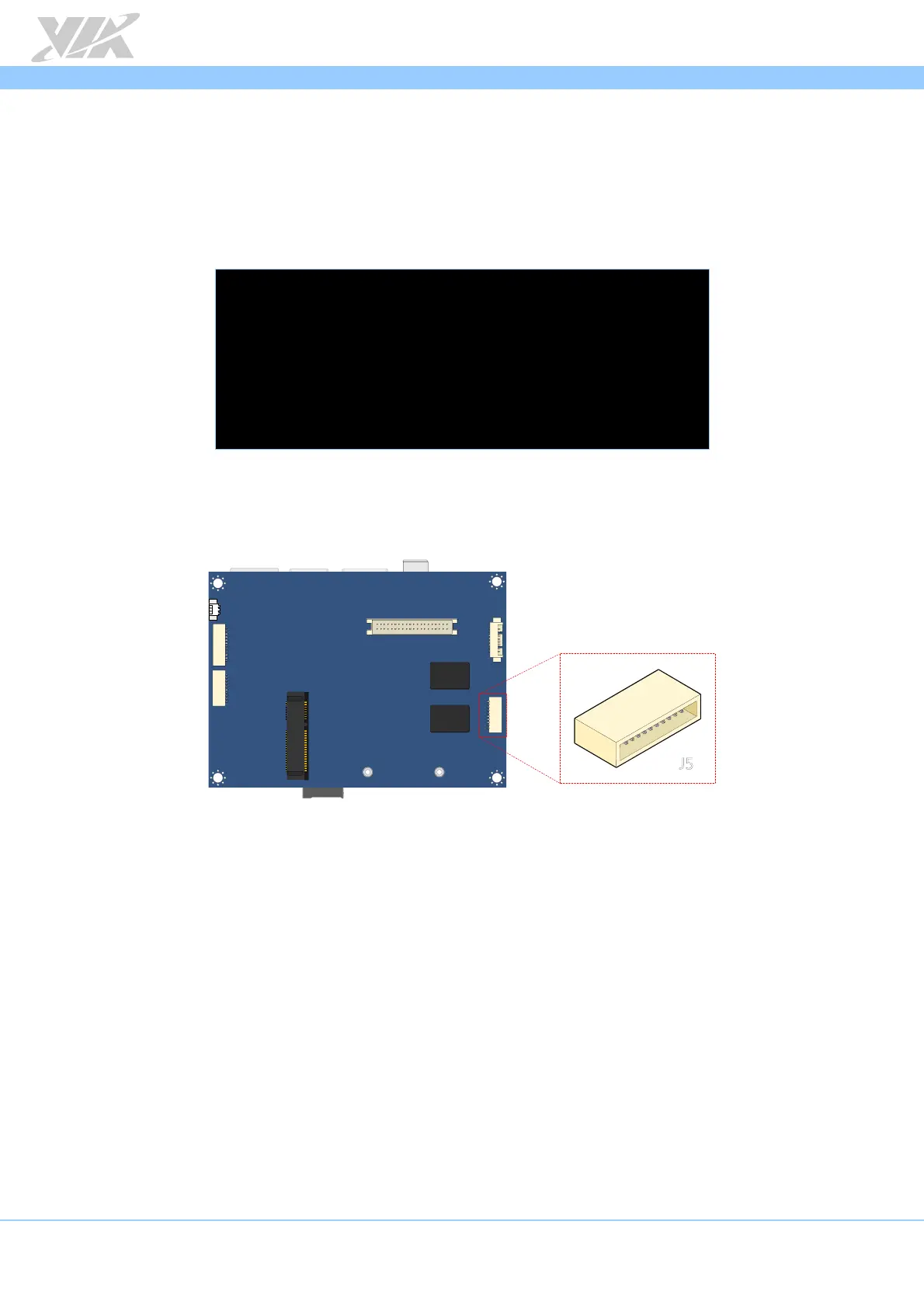
The first step is to connect the host machine and the VAB-820 through the COM 2
connector (J5). Use a serial port communication program such as PuTTY, GtkTerm, or
Minicom to configure serial port setting and connect to the debug console. There you will
be able to see the U-Boot boot log and adjust settings in the U-Boot console.
+--------------------------------------------------------------+
| A - Serial Device : /dev/ttymxc0 |
| B - Lockfile Location : /var/lock |
| C - Callin Program : |
| D - Callout Program : |
| E - Bps/Par/Bits : 115200 8N1 |
| F - Hardware Flow Control : No |
| G - Software Flow Control : No |
+--------------------------------------------------------------+
Serial port setting of host machine
COM 2 connector (J5) diagram














 To Next Page