VAB-820 Linux BSP v3.2.0 Quick Start Guide
15
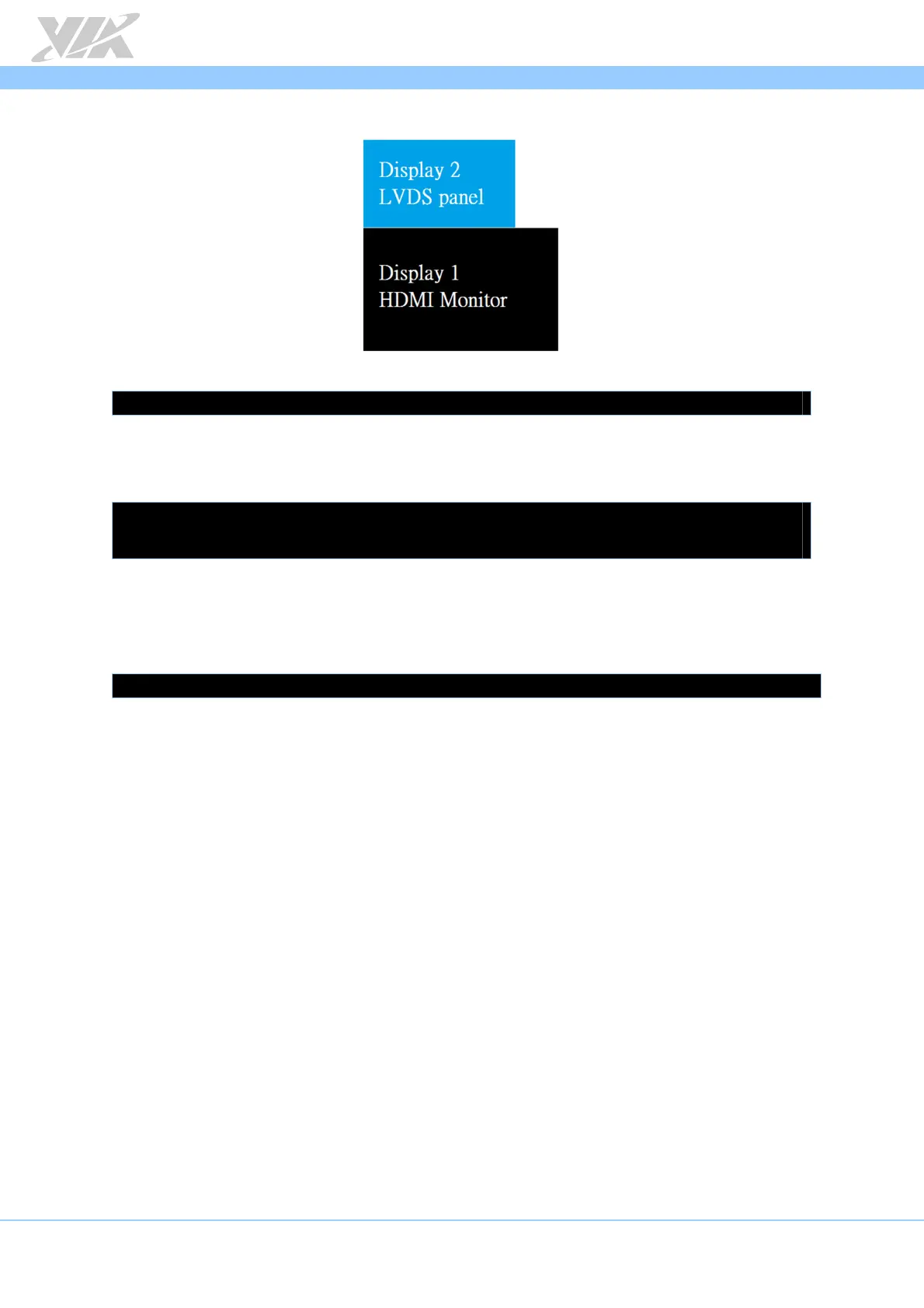
Extension mode configuration 4:
To set this configuration, use the following command:
# xrandr –output HDMI --below LVDS
To play video on an HDMI monitor and LVDS panel in extension mode, use the
following command:
# gst-launch playbin2 uri=file:///$file2 video-sink="imxv4l2sink device=/dev/video17 disp-
width=1920 disp-height=1080" &
# gst-launch playbin2 uri=file:///$file1 video-sink="imxv4l2sink device=/dev/video19"
5.2.4. Changing Back to Clone Mode
If you would like to switch back to clone mode from extension mode, use the following
command:
# xrandr --output HDMI --same-as LVDS














 To Next Page