VAB-820 Linux BSP v3.2.0 Quick Start Guide
14
5.2.3. Setting Video Playback in Extension Mode
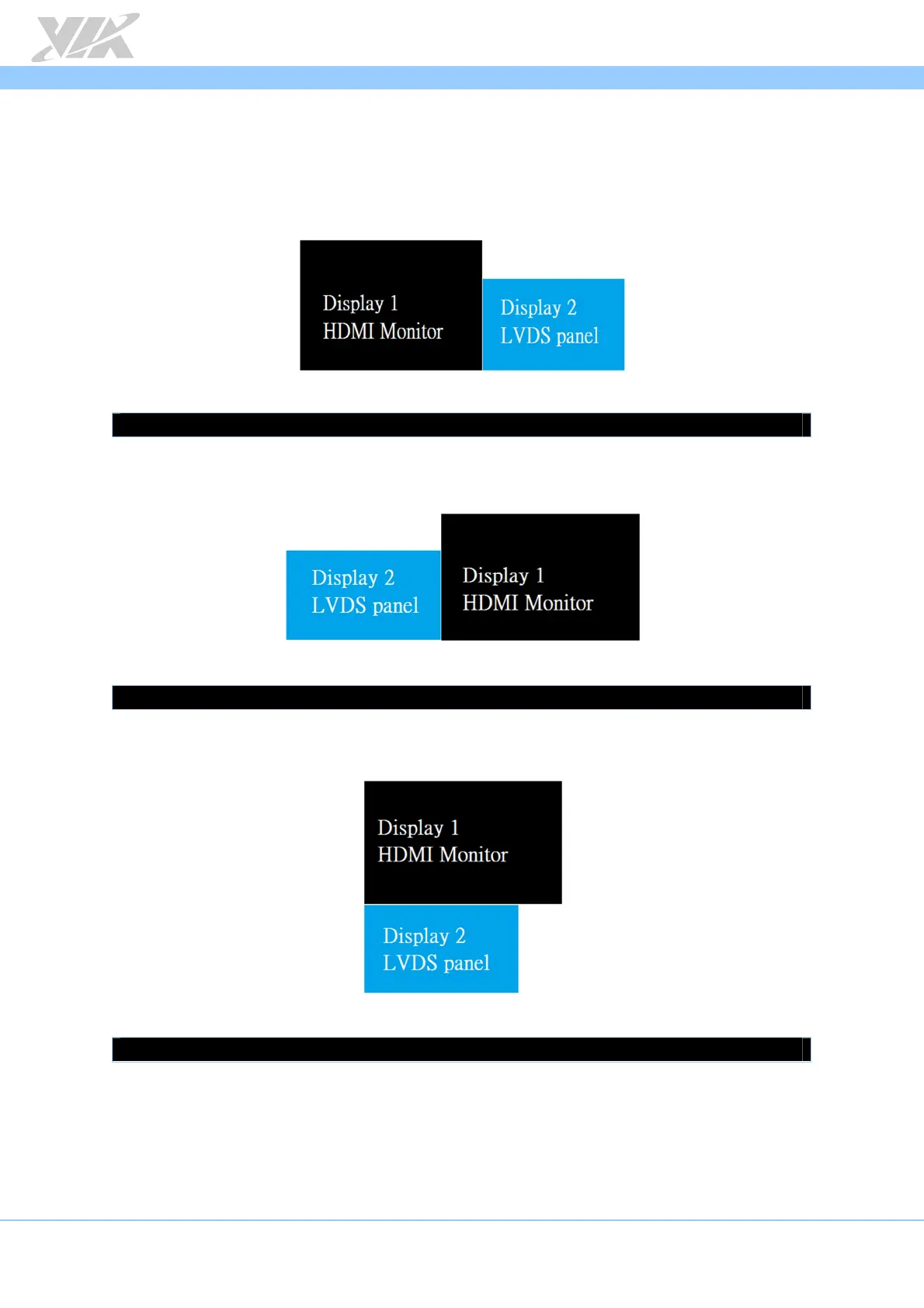
There are four panel configurations supported in extension mode. Follow the
commands below for your desired set up.
Extension mode configuration 1:
To set this configuration, use the following command:
# xrandr –output HDMI --left-of LVDS
Extension mode configuration 2:
To set this configuration, use the following command:
# xrandr –output HDMI --right-of LVDS
Extension mode configuration 3:
To set this configuration, use the following command:
# xrandr –output HDMI --above LVDS














 To Next Page