VAB-820 Linux BSP v3.2.0 Quick Start Guide
8
2.5. Using the OpenEmbedded Console
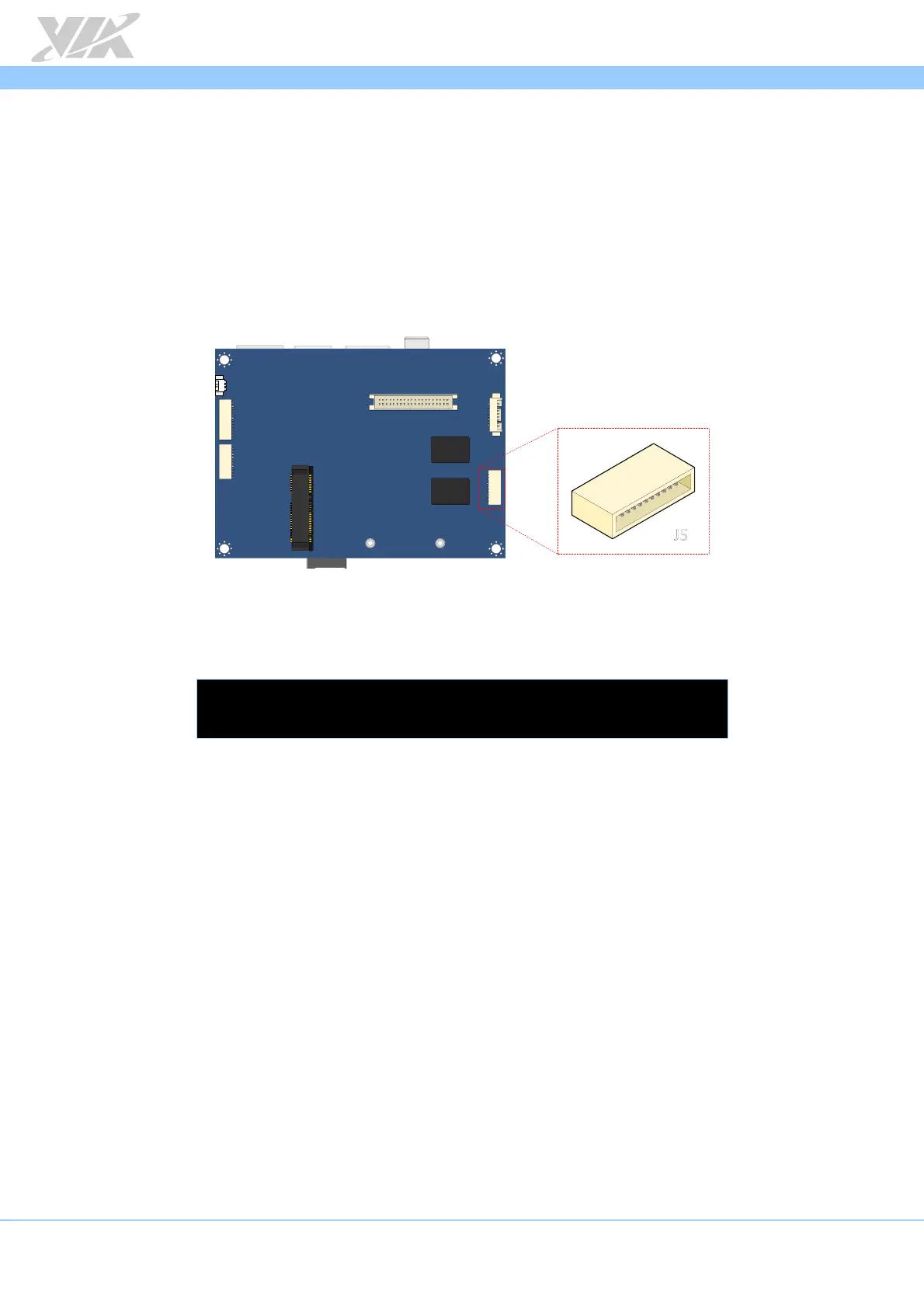
The first step is to connect the host machine and the VAB-820 through the COM 2
connector (J5). Use a serial port communication program such as PuTTY, GtkTerm, or
Minicom to connect to the debug console. There you will be able to see the U-Boot
boot log and adjust settings in the U-Boot console. Next, power on the VAB-820 to
initiate the boot process. When the boot process is completed you will be prompted to
login.
COM 2 connector (J5) diagram
The default account is “root”, with no password set (just press Enter when prompted for
password).
...
Poky (Yocto Project Reference Distro) 1.7 imx6qvab820 /dev/ttymxc1
imx6qvab820 login: root














 To Next Page