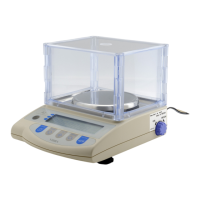
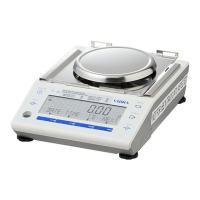
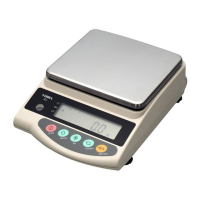
23
8.1 Limit Function Setup (cont.)
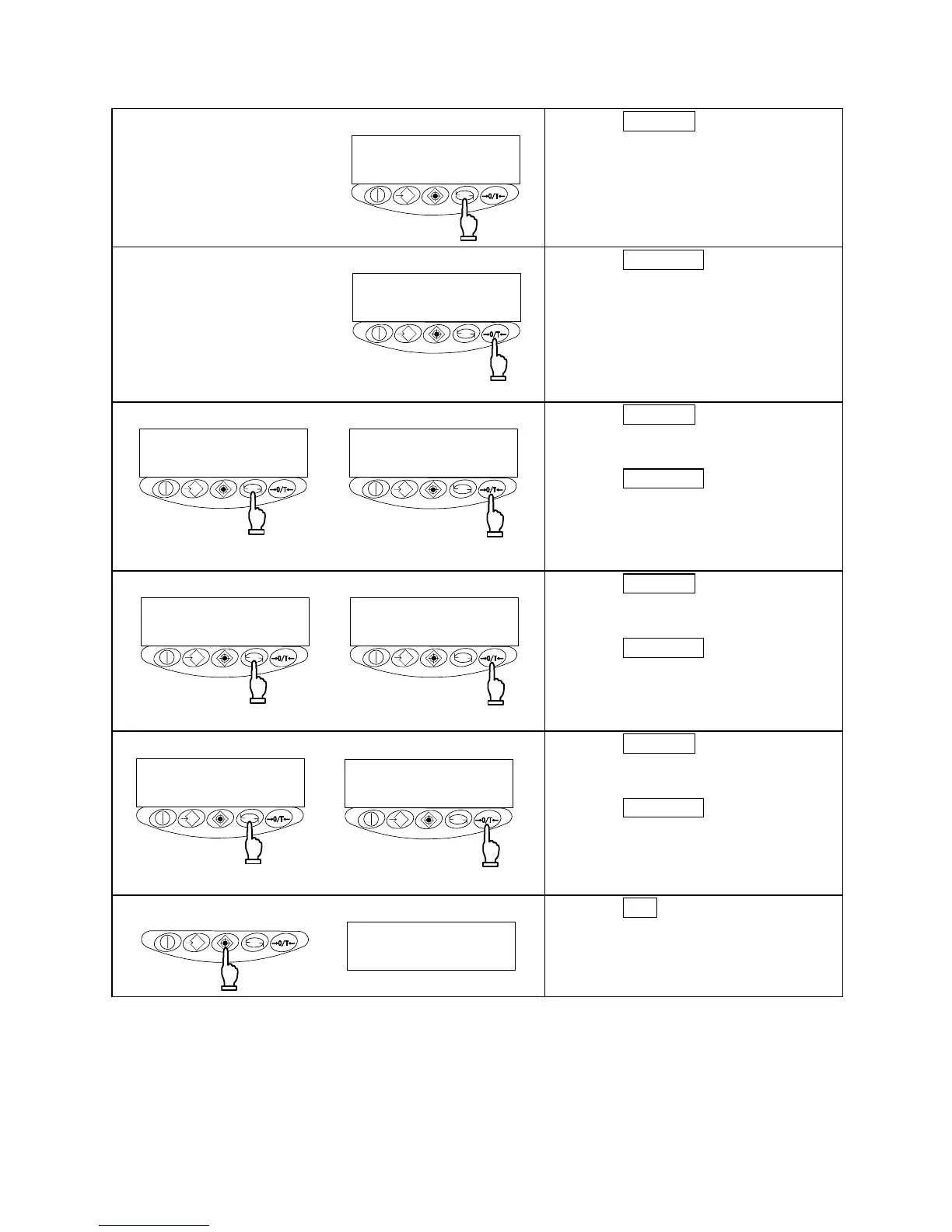
2 Selecting a function item
Press the Function key.
The display changes to the next item
[Limit Function].
3 Setting the limit function
リミット
機能動作
Limit function
operations
Press the Zero/Tare key to set the
value on the rightmost side to [1].
4 Setting the judgement condition
常時判別
安定時判別
Judged at all times Judged when stable
Press the Function key.
The display changes to [Judgement
Condition].
Press the Zero/Tare key to select the
desired condition.
5 Setting the judgement range
全域判別
+5超を判別
Judge entire range Judge beyond +5
Press the Function key.
The display changes to [Judgement
Range].
Press the Zero/Tare key to select the
desired choice.
6 Setting the number of judgement points
1点設定
上下限設定
One point set Upper/lower limits set
Press the Function key.
The display changes to [Judgement
Points].
Press the Zero/Tare key to select the
desired choice.
7 Terminating the function setup
g
Press the Set key.
The balance terminates the function
setup and returns you to measurement
mode.



 To Next Page